

Prerequisites
- Docker installed on your machine
- Tyk Gateway v5.2.0 or higher
- OpenTelemetry Collector Contrib docker image. Make sure to use the Contrib distribution of the OpenTelemetry Collector as it is required for the Datadog exporter.
- An API key from Datadog. For example,
6c35dacbf2e16aa8cda85a58d9015c3c. - Your Datadog site. Examples are:
datadoghq.com,us3.datadoghq.comanddatadoghq.eu.
Instructions
Step 1. Configure the OpenTelemetry Collector
Create a new YAML configuration file namedotel-collector.yml with the following content:
Step 2. Configure a test API
If you don’t have any APIs configured yet, create a subdirectory calledapps in the current directory. Create a new file apidef-hello-world.json and copy this very simple API definition for testing purposes:
Step 3. Create the Docker-Compose file
Save the following YAML configuration to a file nameddocker-compose.yml.
Step 4. Explore OpenTelemetry traces in Datadog
-
Send a few requests to the API endpoint configured in step 2:
http://localhost:8080/hello-world/ - Log in to Datadog and navigate to the APM / Traces section. Here, you should start observing traces generated by Tyk:
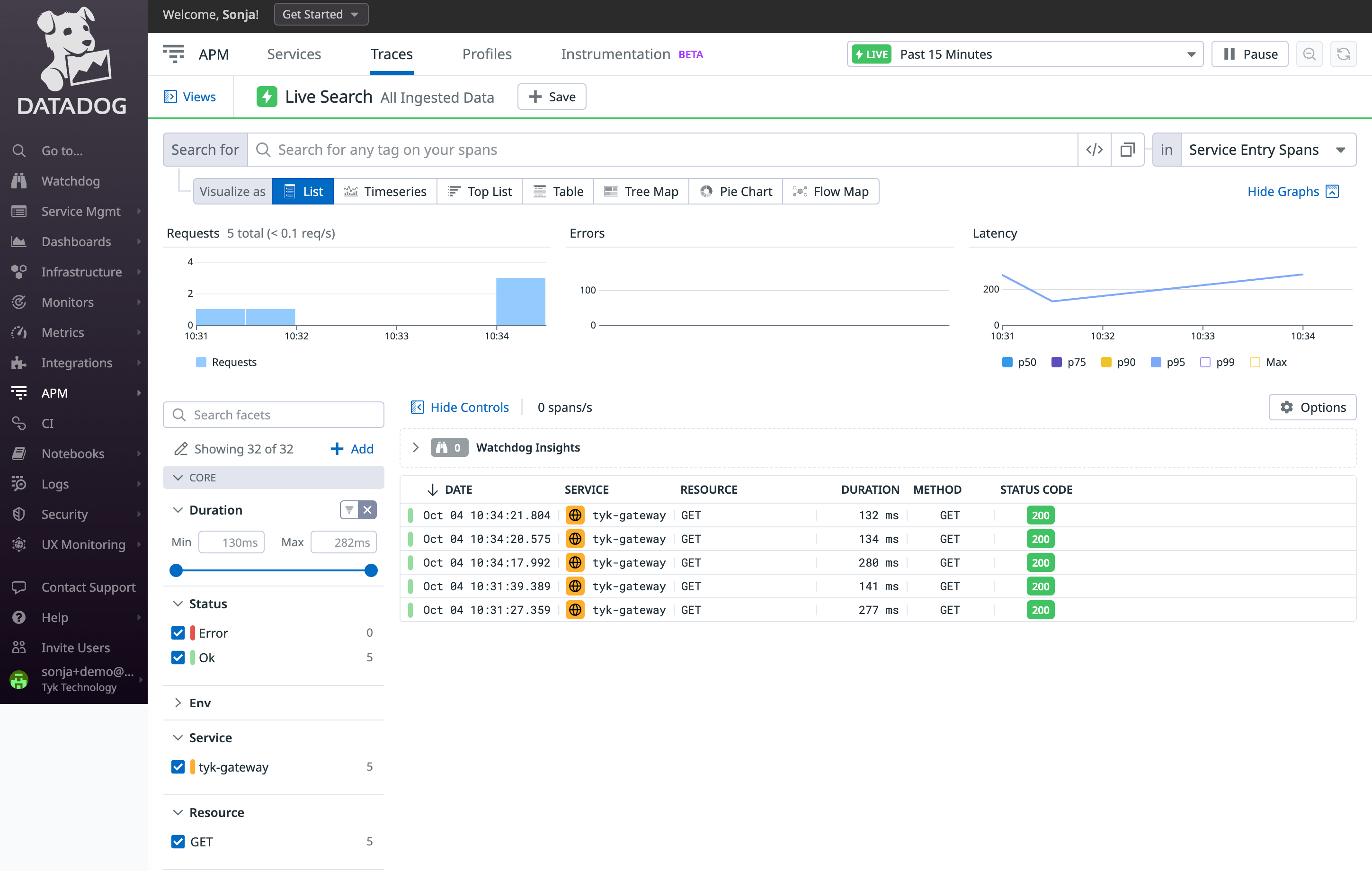
- Click on a trace to view all its internal spans:
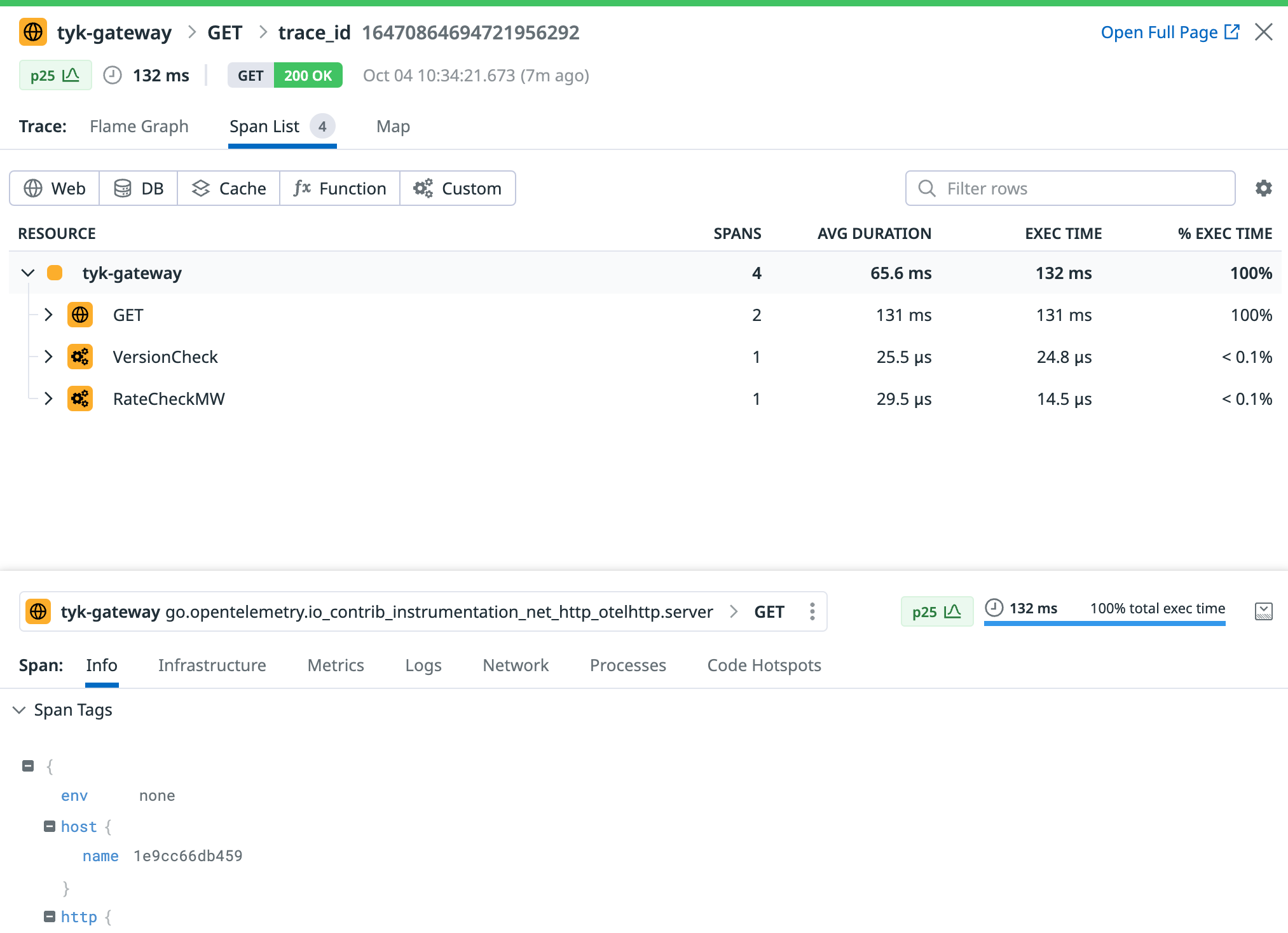
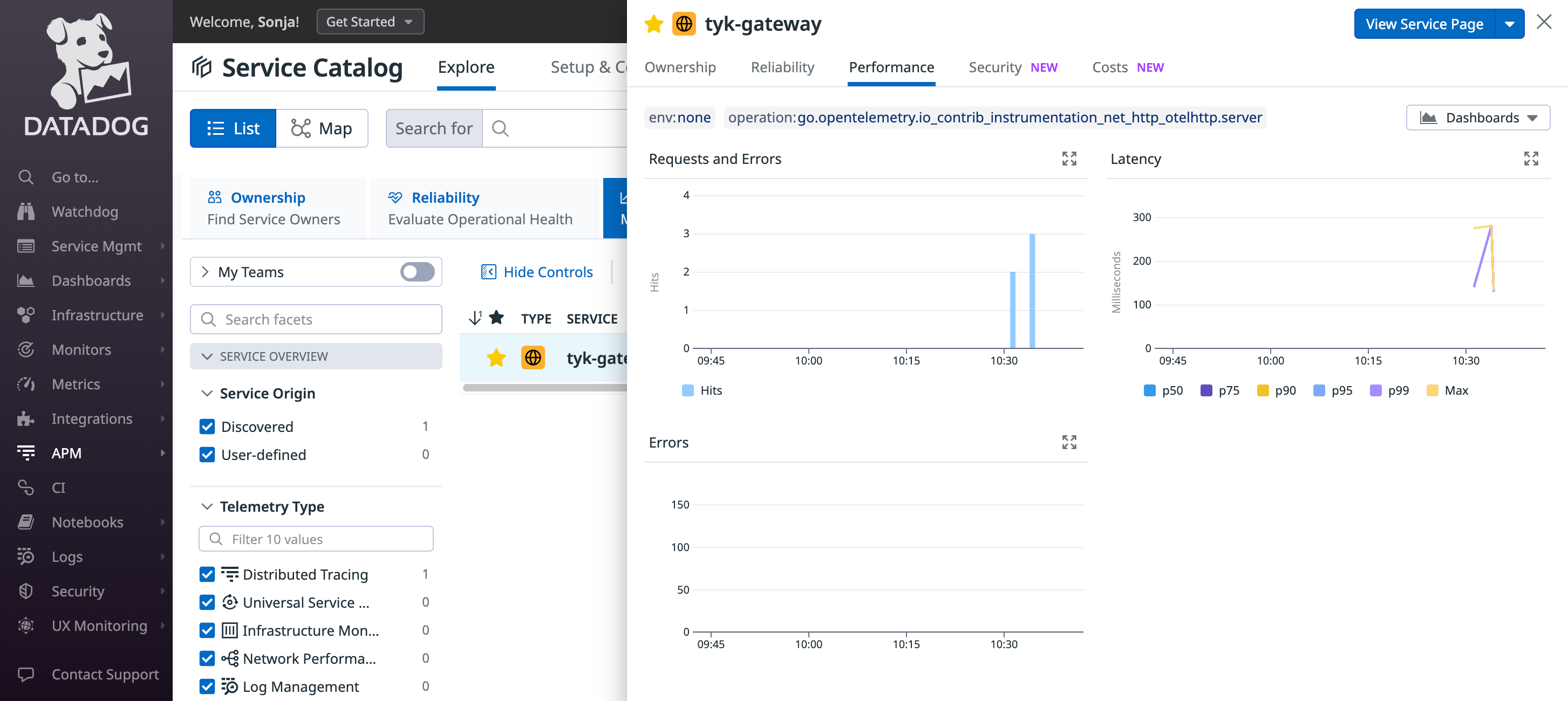
- Datadog will generate a service entry to monitor Tyk Gateway and will automatically compute valuable metrics using the ingested traces.4
Troubleshooting
If you do not see any traces from Tyk appearing in Datadog, consider the following steps for resolution:- Logging: Examine logs from Tyk Gateway and from the OpenTelemetry Collector for any issues or warnings that might provide insights.
- Data Ingestion Delays: Be patient, as there could be some delay in data ingestion. We configured a 10 second timeout in the batch processing of the OpenTelemetry collector in step 1, so give the system time to process the data.