The availability of this feature depends on your license.
For further information, please check our price comparison or consult our sales and expert engineers:
For further information, please check our price comparison or consult our sales and expert engineers:
Using Dashboard UI
-
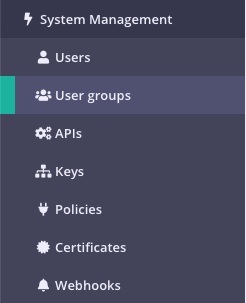
Select “User Groups” from the “System Management” section
-
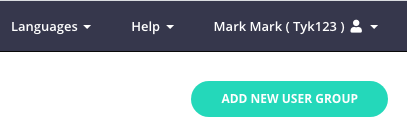
Click “ADD NEW USER GROUP”
-
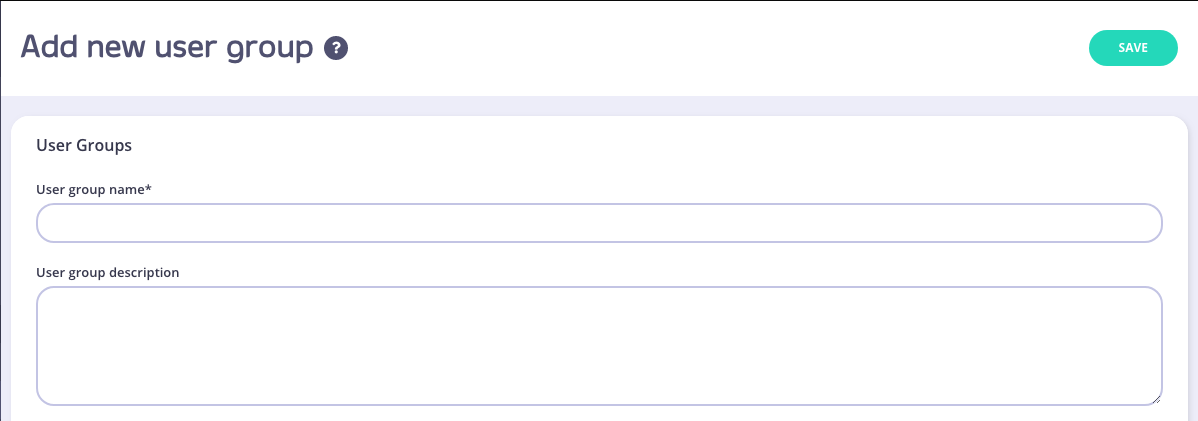
Add User Group Name
Enter the name for your User Group, and an optional Description.
-
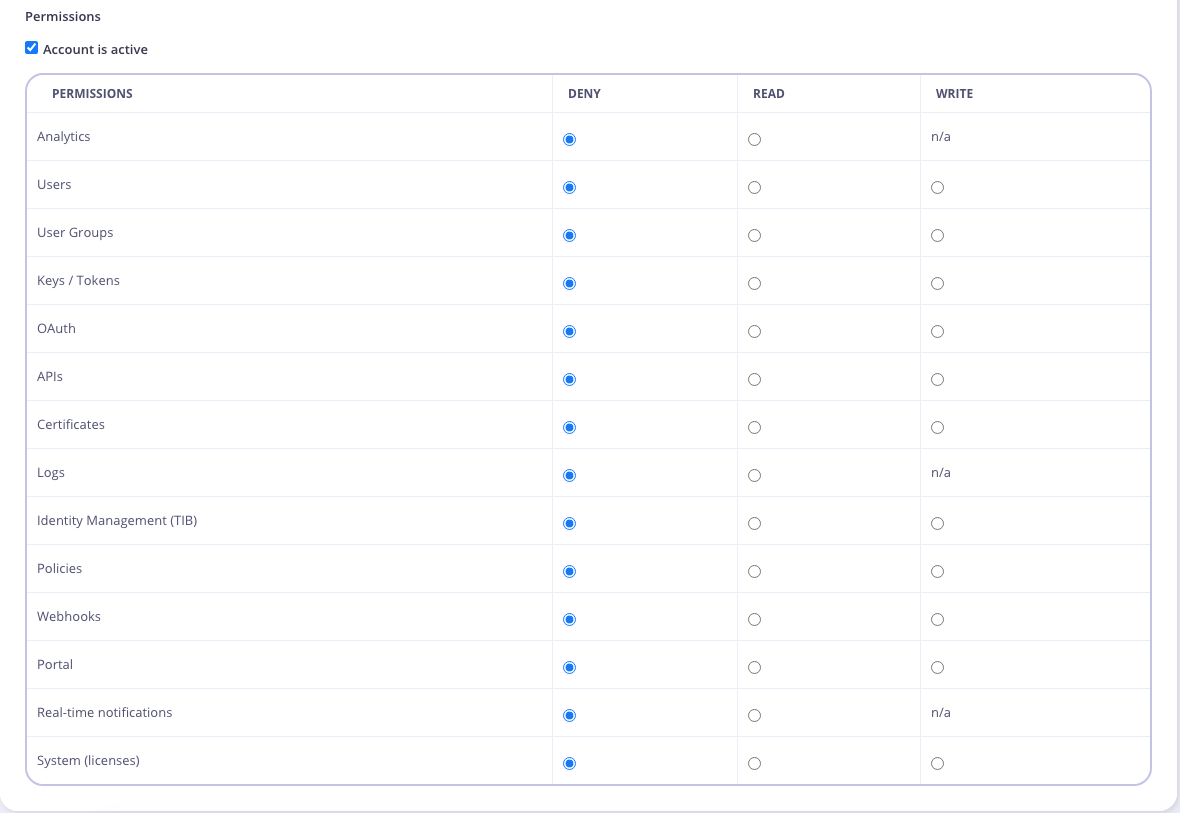
Set User Group Permissions
Selet the User Group Permissions you want to apply.
-
Click “Save” to create the Group
-
Add Users to your Group
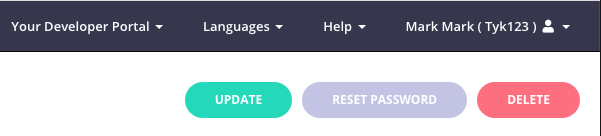
- From the Users menu, select Edit from the Actions drop-down list for a user to add to the group.
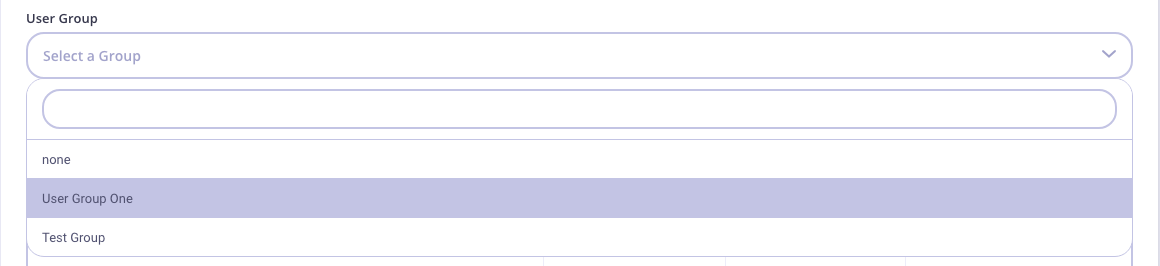
- Select your group from the User group drop-down list.