Classic APIs
Tyk Dashboard’s Endpoint Designer provides a graphical environment for the creation and update of your Tyk Classic APIs. The Endpoint Designer allows to configure all elements of your Tyk Classic API and consists of several tabs, plus a Raw Definition view which allows you to directly edit the Tyk Classic API Definition (in JSON format). Note thatCore Settings
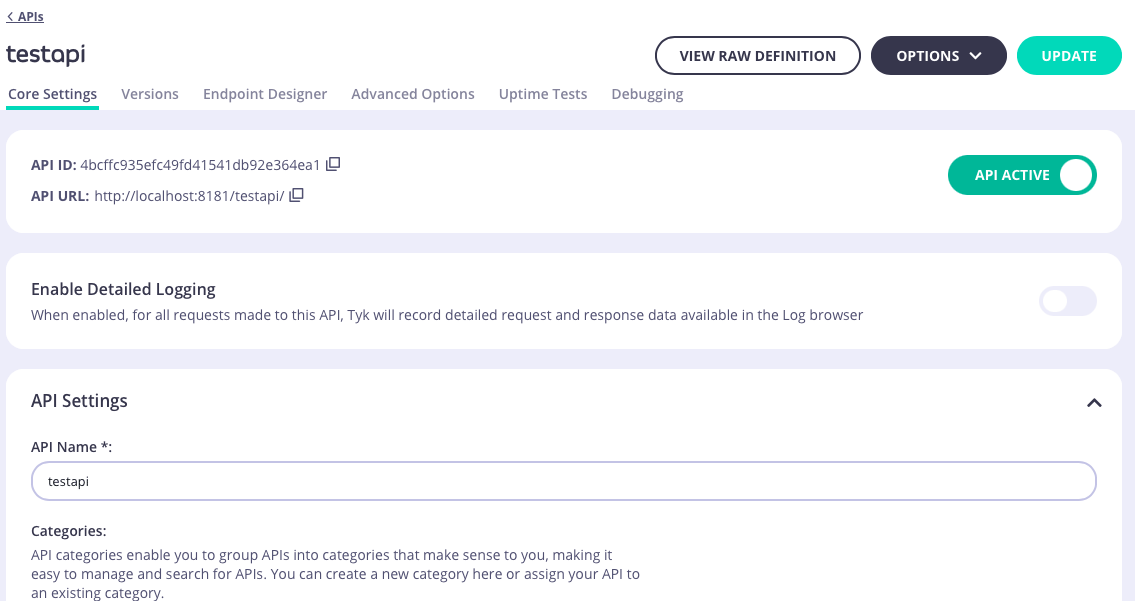
- Detailed logging
- API Settings including
- Listen path
- API Categories
- Upstream settings including
- Upstream service (target) URL
- Service Discovery
- API Ownership
- API level rate limiting
- Authentication
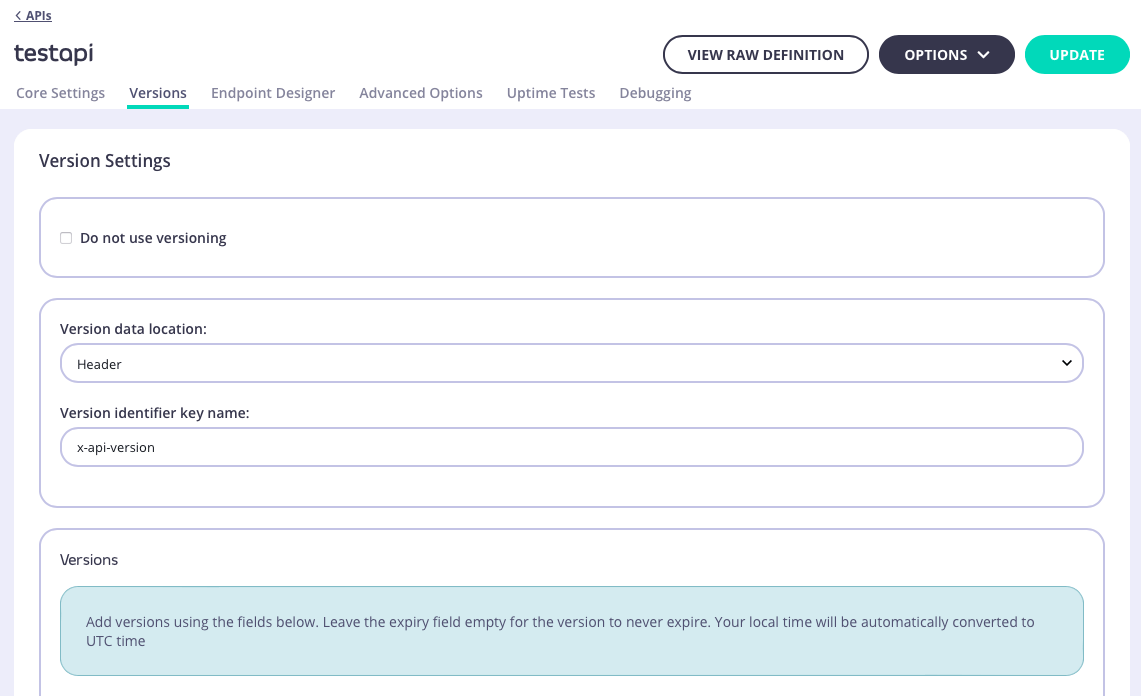
Versions
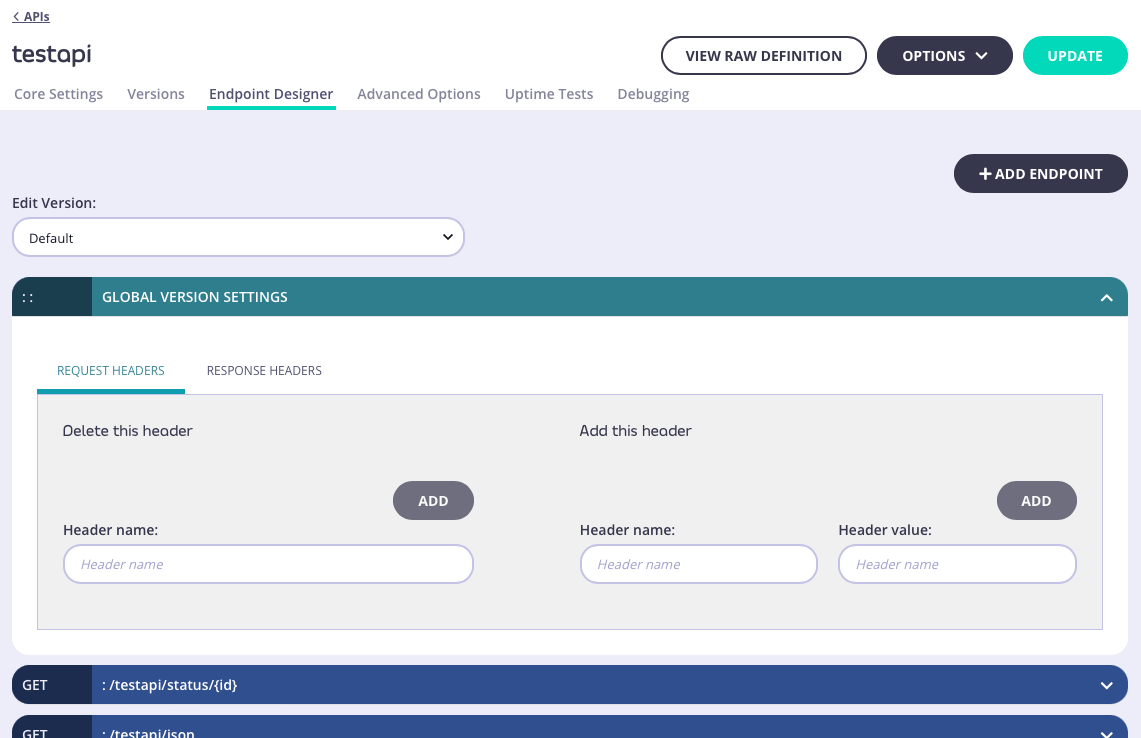
Endpoint Designer
Advanced Options
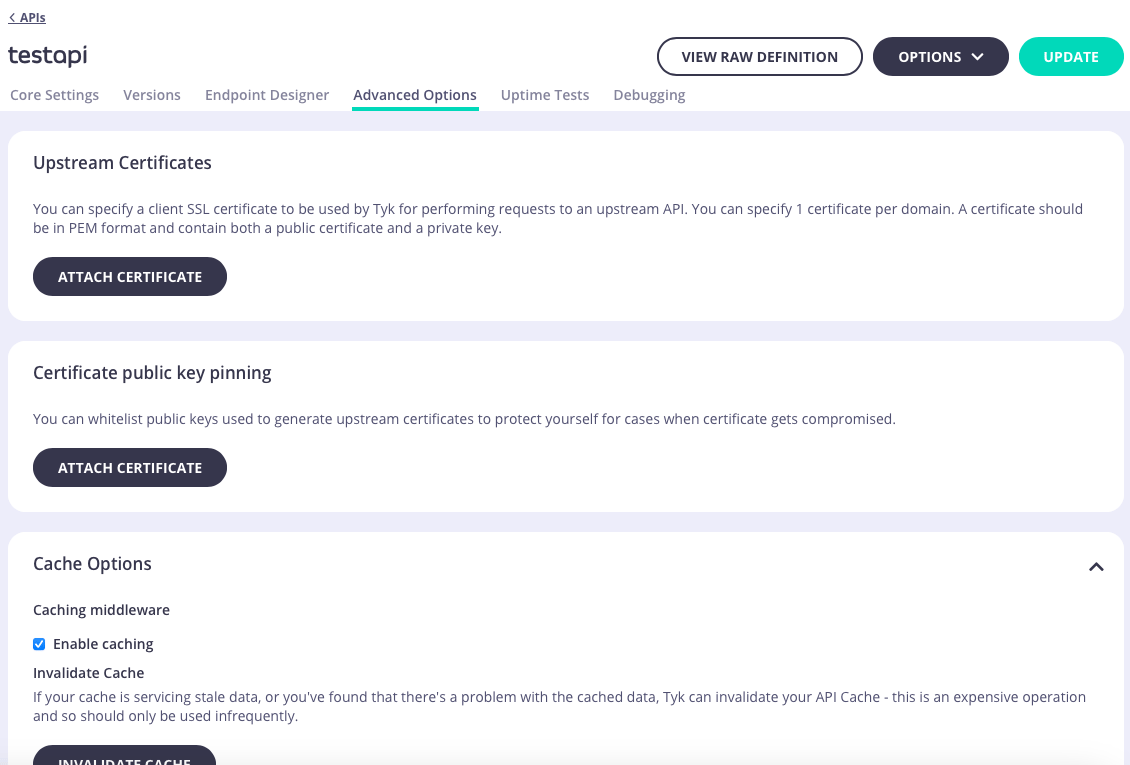
- Upstream certificate management
- API-level caching including a button to invalidate (flush) the cache for the API
- CORS
- Add custom attributes to the API definition as config data that can be accessed by middleware
- Enable context variables so that they are extracted from requests and made available to middleware
- Manage segment tags if you are working with sharded gateways
- Manage client IP address allow and block lists
- Attach webhooks that will be triggered for different events
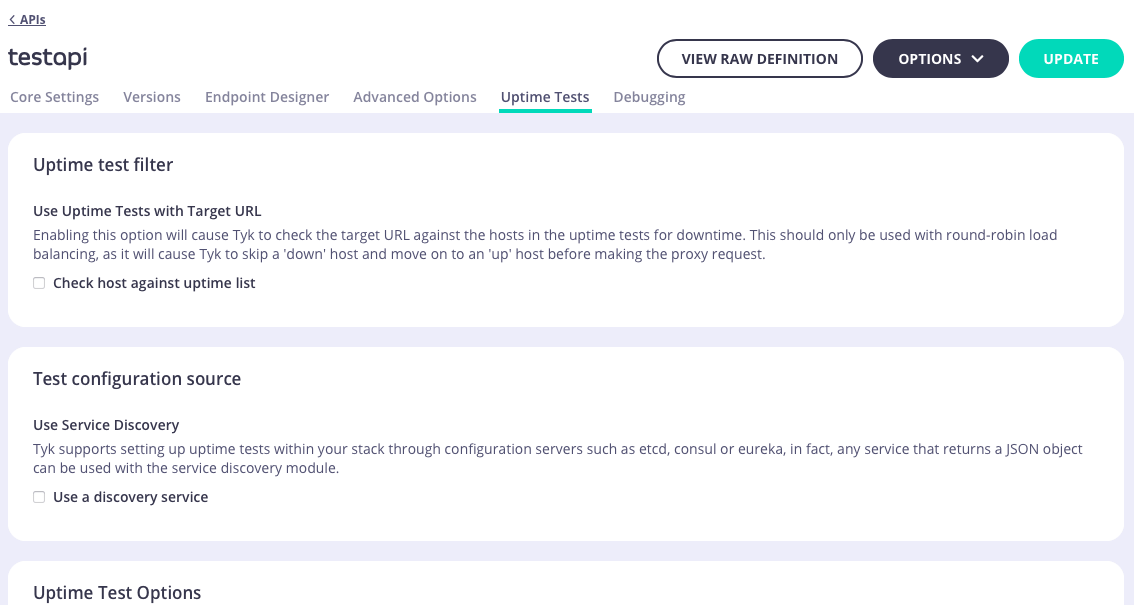
Uptime Tests
Debugging
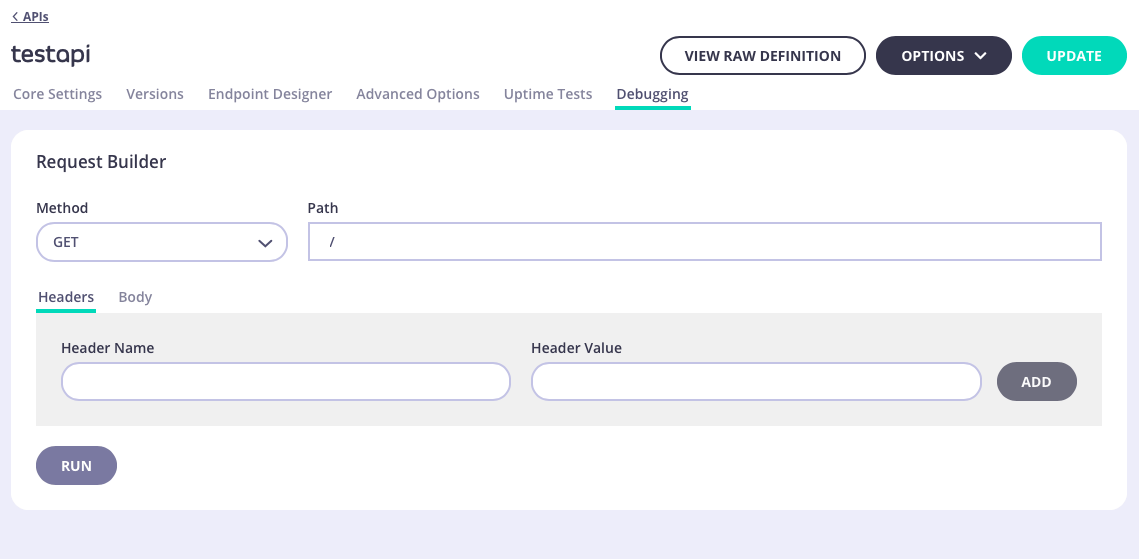
- Request
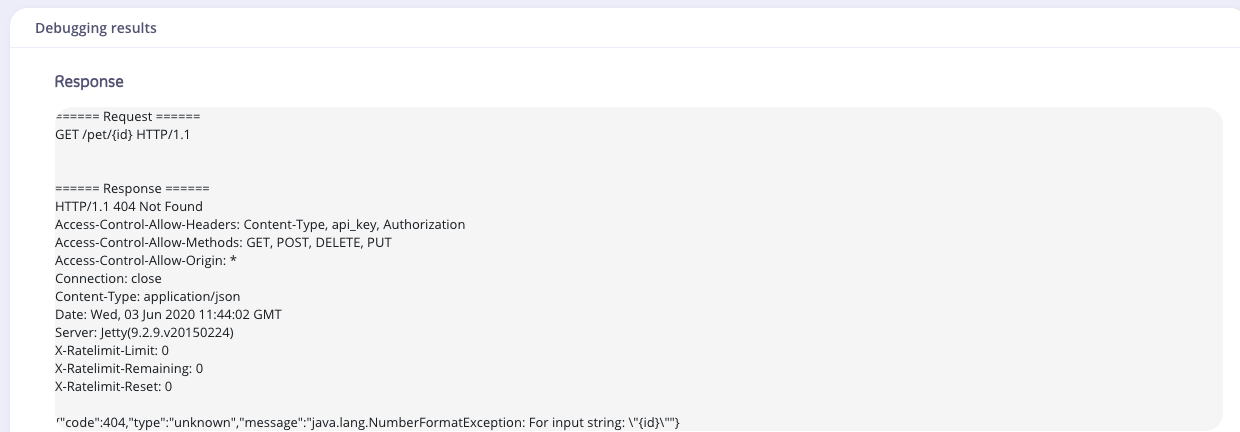
- Response
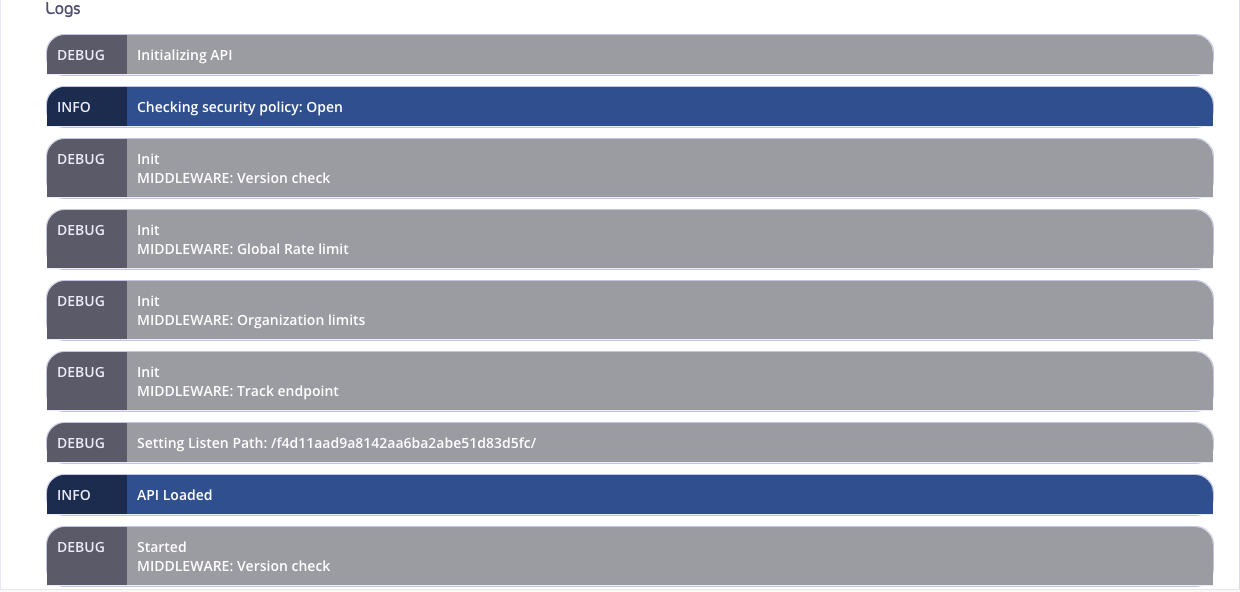
- Logs
Request
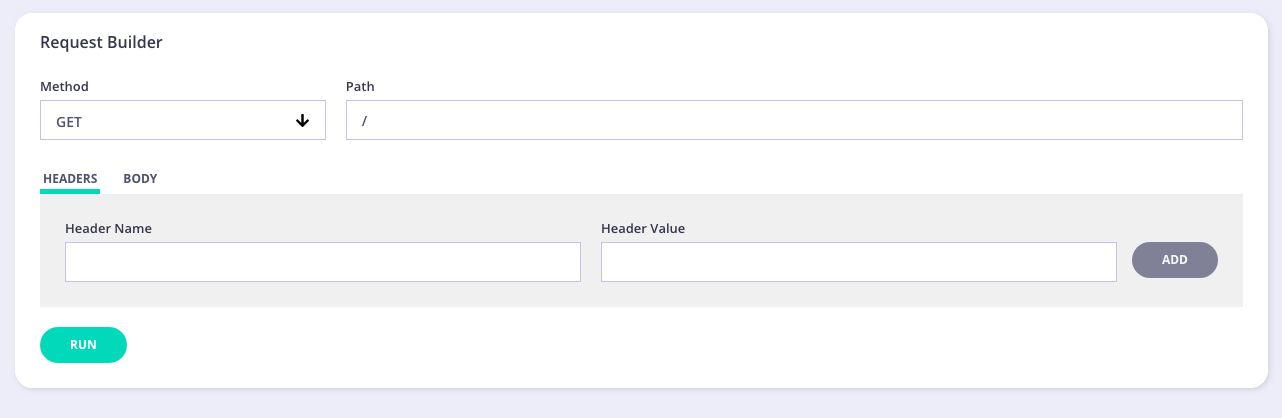
- Method - select the method for your test from the drop-down list
- Path - your endpoint to test
- Headers/Body - enter any header information, such as Authorization, etc. Enter any body information. For example, entering user information if creating/updating a user.
Response
Logs