Video Walkthrough
We have a YouTube walkthrough of how to publish a GraphQL API to your Developer Portal:How To Set Up
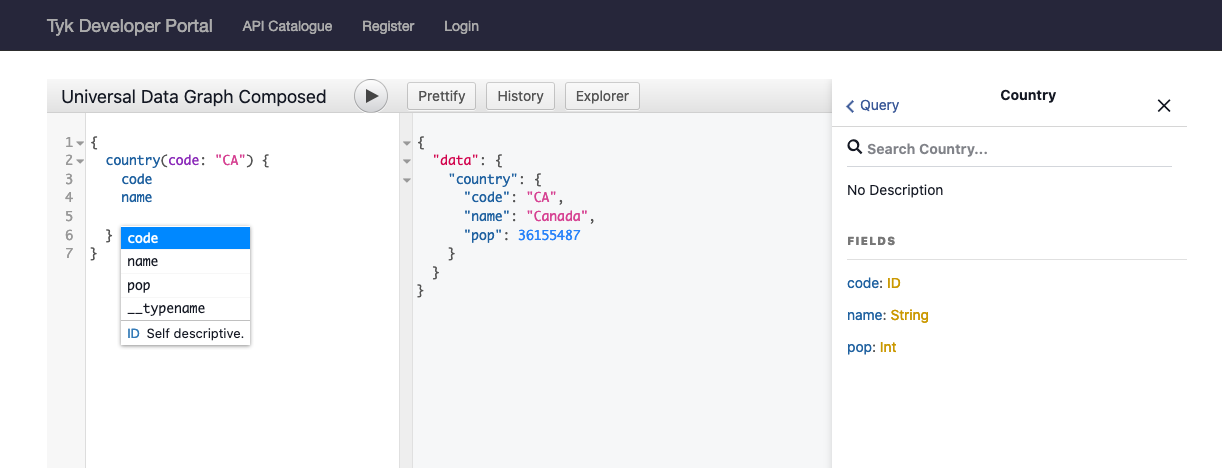
Simply create a GraphQL or Universal Data Graph API, create a Policy which protects it, and then publish it to the Developer Portal Catalog. In the “Create a Catalog” section, at the bottom, make sure you enable the “Display Playground”
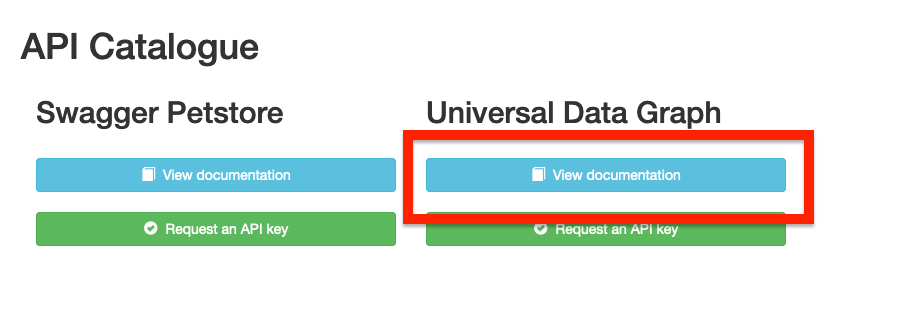
Protected GraphQL Catalog
If you have a protected API, your users won’t be able to inspect the GraphQL schema or make API calls until they add their API Key to the Headers section: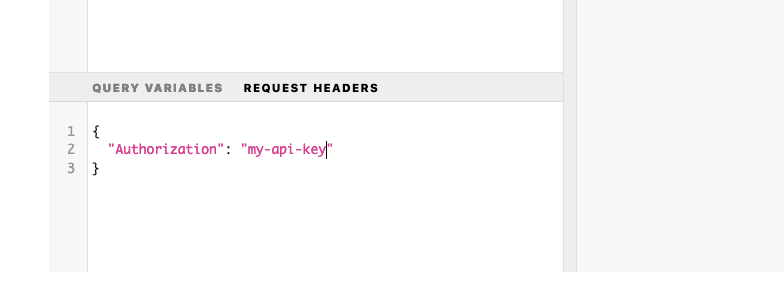
CORS
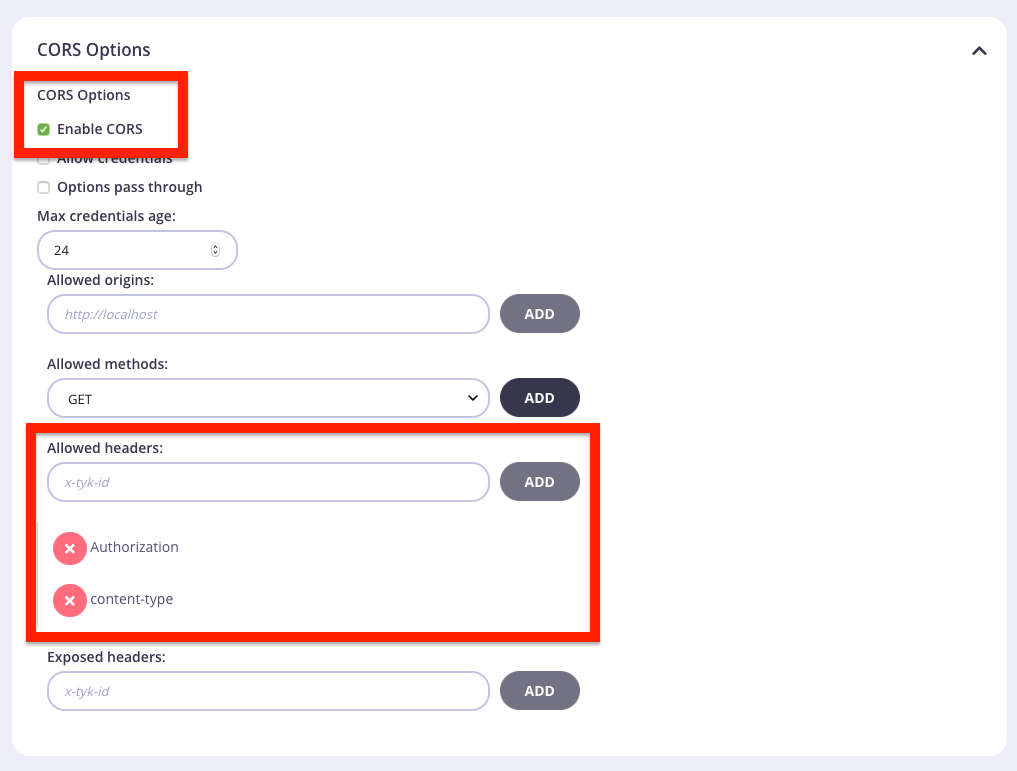
You may have to enable the following CORS settings in the “Advanced Options” of the API Designer to allow your consumers to access the GraphQL Playground: