What is Certificate Authentication?
Certificate Authentication is a client authentication method introduced in Tyk 5.12.0 that replaces the legacy Dynamic mTLS feature. This method provides enhanced security and flexibility for API authentication using client certificates.Evolution from Dynamic mTLS
Certificate Authentication has evolved from Dynamic mTLS through the enforcement of the mutual TLS handshake and the disallowing of authentication using a token. Only the registered client certificate can now be used to authenticate with the Gateway. This change was introduced because Dynamic mTLS treated the certificate as optional and did not enforce the mTLS handshake. Mutual TLS was not enforced if only the token was presented in the request, reducing the security of the Dynamic mTLS authentication method. For more details, see the problem with Dynamic mTLS. If you are currently using Dynamic mTLS, no change is required to your API definition to use Certificate Authentication. When using Tyk OAS APIs, the legacy configuration (x-tyk-api-gateway.server.authentication.securitySchemes.authToken.enableClientCertificate) is still supported (though marked as deprecated in favor of a new, cleaner configuration).
When using Tyk Classic APIs, there is no change to the configuration in the API definition (auth_configs.authToken.useCertificate).
The legacy mode (where the token can be used to authenticate with Tyk) is available via the Gateway configuration option
allow_unsafe_dynamic_mtls_token.How does Certificate Authentication work?
Certificate Authentication uses X.509 client certificates to authenticate API requests. It relies upon a one-to-one mapping between API clients and client certificates. When a client makes a request:- The client presents their certificate during the mTLS handshake
- If the client is successfully authenticated, Tyk checks the client certificate against a list of authorized certificates (the “dynamic allow list”)
- If a match is found, authorization proceeds as usual, based on the content of the linked session and any policies applied to it
Configuring your API to use Certificate Authentication
The Gateway must be configured to use TLS for the hosted API interface.
certificateAuth object within the server.authentication section and enabling authentication.
HTTPS protocol must be used.
Using Tyk Classic
As noted in the Tyk Classic API documentation, you can select Certificate Authentication using theauth_configs.authToken.useCertificate option.
Using Tyk Dashboard to Configure Certificate Authentication
Using the Tyk Dashboard, you can configure the Certificate Auth method from the Server section in the API Designer by enabling Authentication and selecting Certificate Authentication from the drop-down: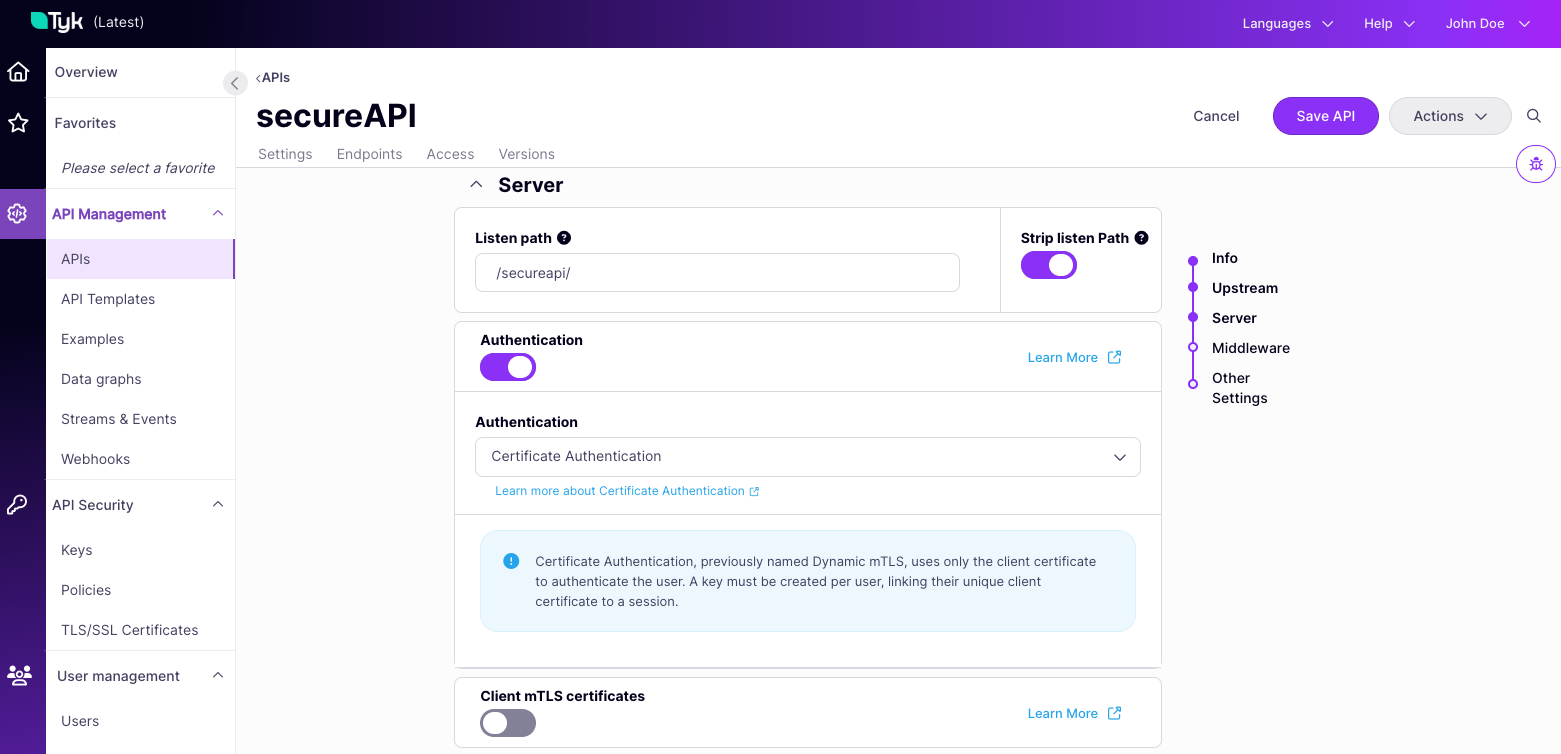
Registering Certificate Authentication User Credentials
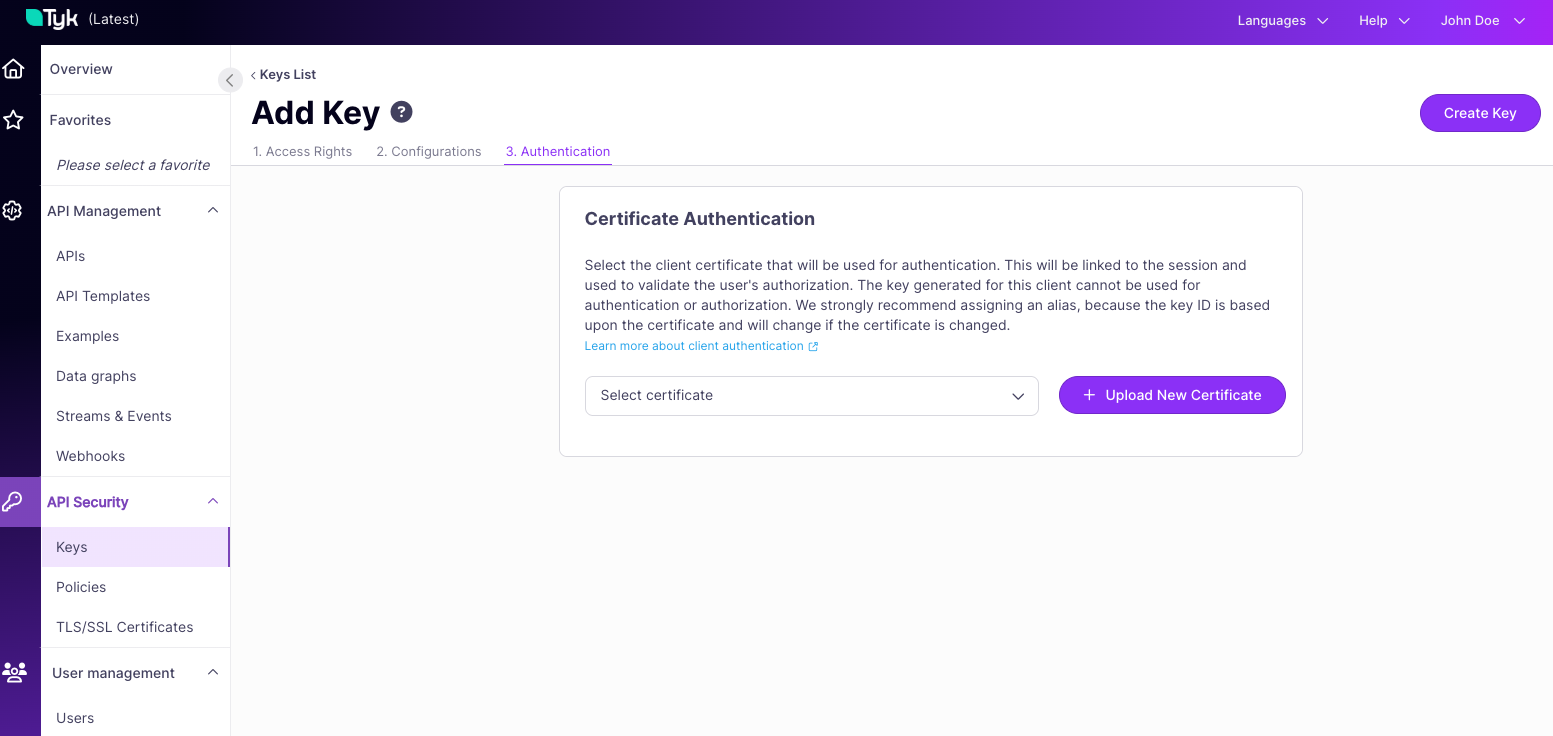
The dynamic allow list comprises session state objects in the Gateway’s in-memory database (typically Redis) that reference the client certificates that should be accepted.- First you must register the client certificate with the Tyk Certificate Store and note the certificate ID that is assigned.
-
Next you create a key, providing the certificate ID in the
certificatefield of the session object payload.- Tyk Gateway API:
POST /tyk/keys/create - Tyk Dashboard API:
POST /api/keys/create
- Tyk Gateway API:
-
Tyk will create a session object with the Redis key containing the certificate ID, which forms part of the dynamic allow list.
- The Redis key is formed from a combination of the Organization ID and Certificate ID
- Deleting this object (key) will remove the certificate from the allow list, restricting access to any client presenting that certificate