


Introduction
The Tyk Dashboard API offers granular, programmatic access to a centralised database of resources that your Tyk nodes can pull from. This API has a dynamic user administrative structure which means the secret key that is used to communicate with your Tyk nodes can be kept secret and access to the wider management functions can be handled on a user-by-user and organisation-by-organisation basis. A common question around using a database-backed configuration is how to programmatically add API definitions to your Tyk nodes, the Dashboard API allows much more fine-grained, secure and multi-user access to your Tyk cluster, and should be used to manage a database-backed Tyk node. The Tyk Dashboard API works seamlessly with the Tyk Dashboard (and the two come bundled together).Security Hierarchy
The Dashboard API provides a more structured security layer to managing Tyk nodes.Organisations, APIs and Users
With the Dashboard API and a database-backed Tyk setup, (and to an extent with file-based API setups - if diligence is used in naming and creating definitions), the following security model is applied to the management of Upstream APIs:- Organisations: All APIs are owned by an organisation, this is designated by the ‘OrgID’ parameter in the API Definition.
- Users: All users created in the Dashboard belong to an organisation (unless an exception is made for super-administrative access).
- APIs: All APIs belong to an Organisation and only Users that belong to that organisation can see the analytics for those APIs and manage their configurations.
- API Keys: API Keys are designated by organisation, this means an API key that has full access rights will not be allowed to access the APIs of another organisation on the same system, but can have full access to all APIs within the organisation.
- Access Rights: Access rights are stored with the key, this enables a key to give access to multiple APIs, this is defined by the session object in the core Tyk API.
authorization: <your-secret>
Role Based Access Control
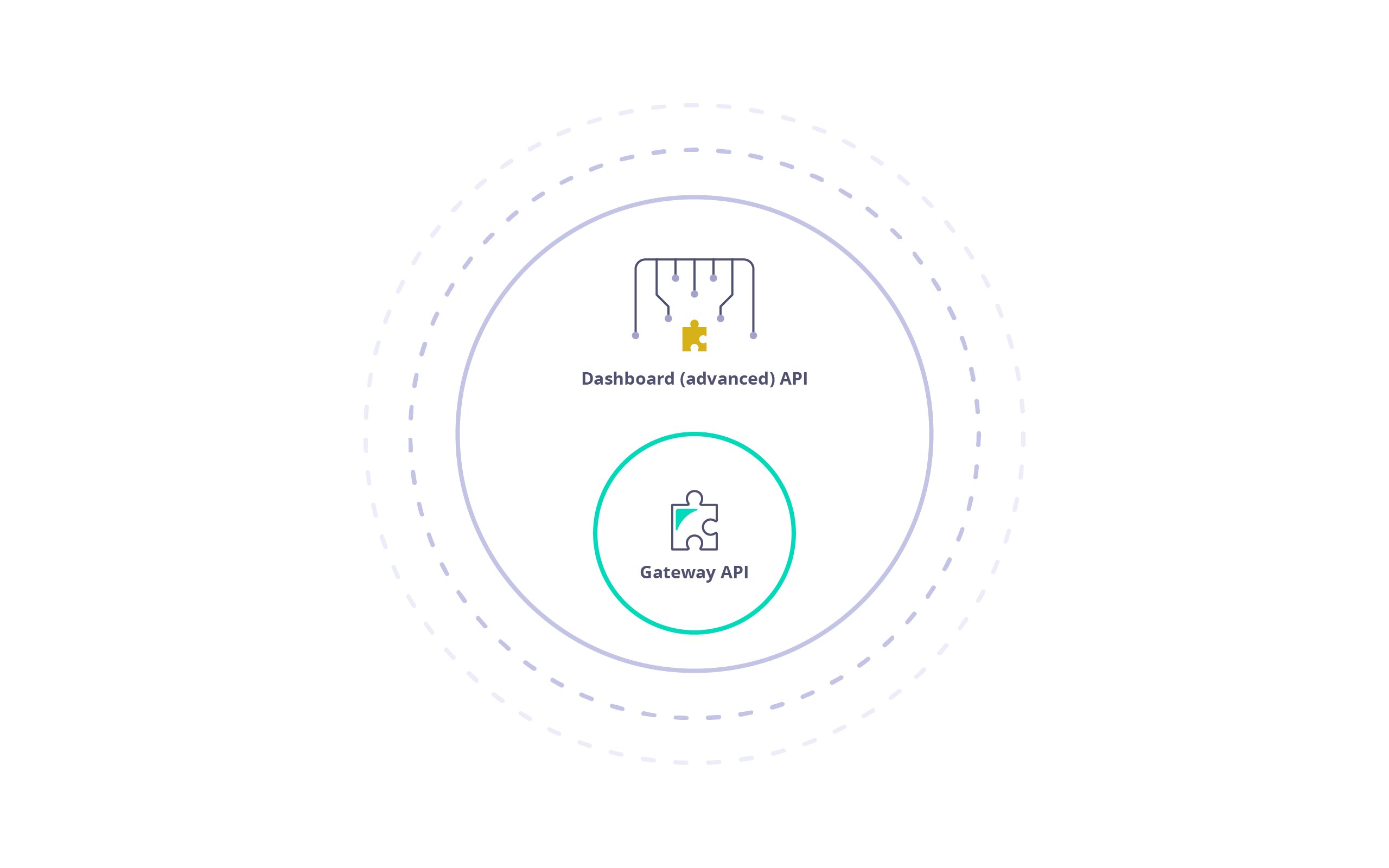
The Tyk Dashboard API is a superset of the Tyk Gateway API, enabling (almost) all of the core features and adding many more. The Dashboard API is also more granular and supports Role Based Access Control (RBAC) on both a multi-tenant, and user basis. Using the Dashboard API it is possible to set Read / Write / ReadWrite / Deny access to sections of the API on a user by user basis, and also segregate User / Key / API Ownership by organization. The availability of RBAC varies depending on the license or subscription. For further information, please check our price comparison or consult our sales and expert engineersFor optimal results, it is advisable to exclusively employ the Tyk Dashboard API (avoiding direct calls to the Tyk Gateway API) within a Self-Managed setup, enabling the Dashboard to manage the Tyk API gateways cluster.
Pagination
Selected Dashboard APIs can be paginated. You can select the number of result pages to return by adding a parameterp which starts at 1. At the default page size, this returns items 1-10. Setting p to 2 returns items 11-20 and so on. Alternatively, passing 0 or lower as a parameter will return all items.
The default page size is 10. You can overwrite the default page size in your tyk_analytics.conf using the page_size key. It’s suggested you do not modify it as it will affect the performance of the Dashboard.
Sample Request: