

Introduction
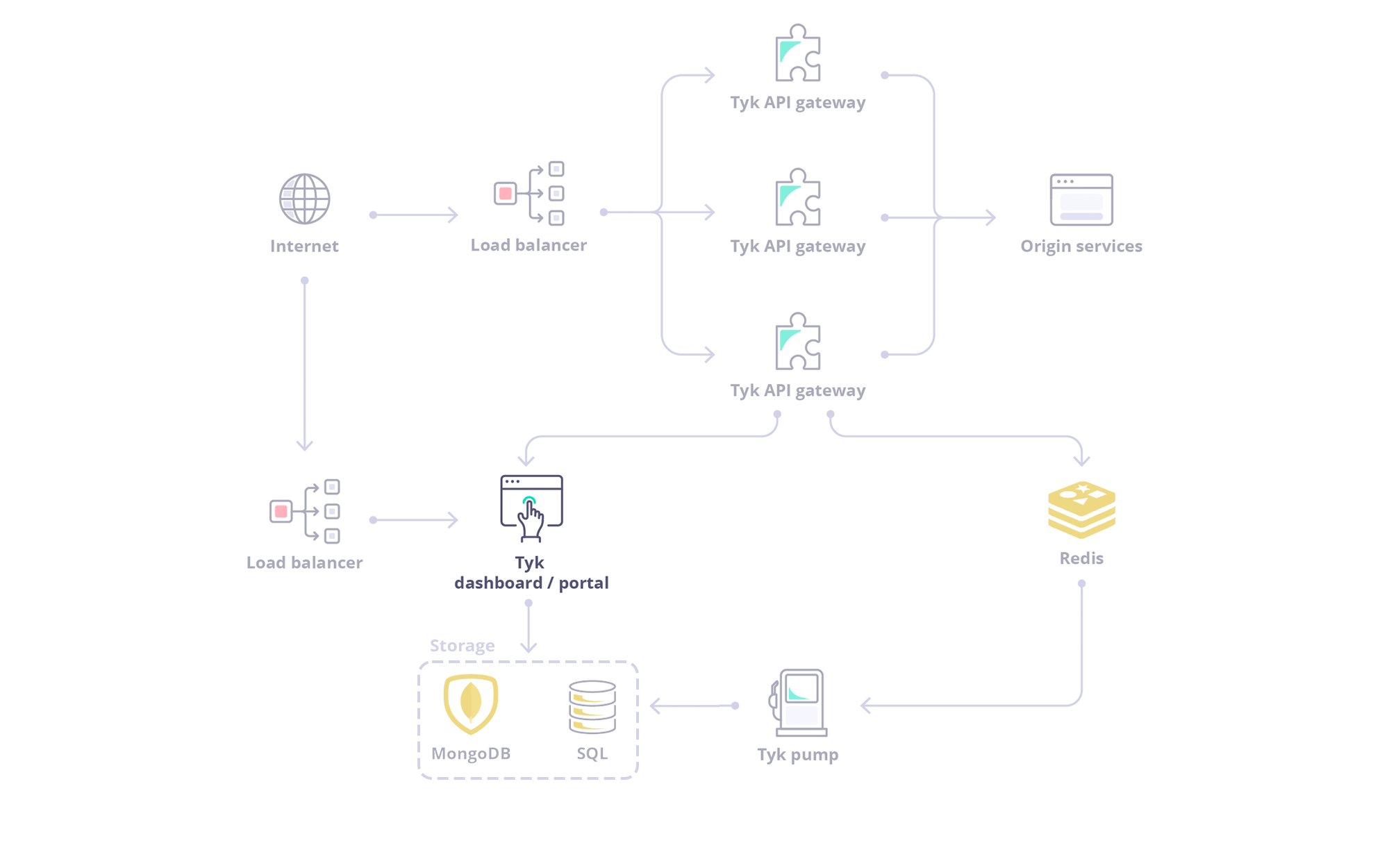
Exploring the Dashboard UI
To get a tour of the Dashboard UI, refer to this document.Exploring the Dashboard API
The Dashboard is a large, granular REST API with a thin-client web front-end, and if being deployed as part of a Tyk install, serves as the main integration point instead of the Gateway API.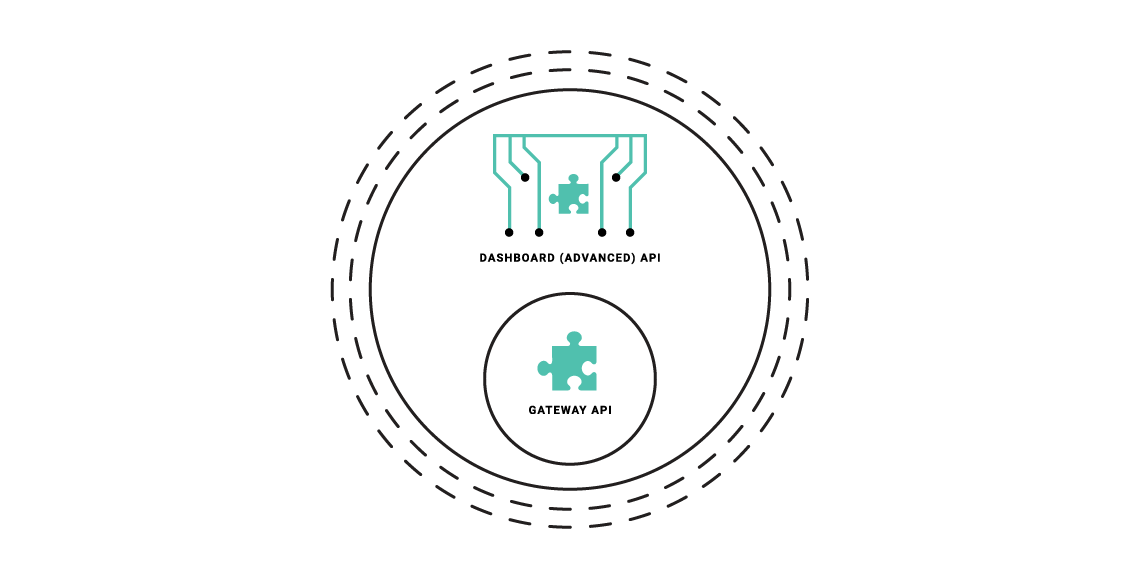
- The Dashboard API has a granular structure, you can create separate clients easily.
- The API features read/write permissions on a per-endpoint level to have extra control over integrations.
- The API enforces a schema that can be modified and hardened depending on your usage requirements.
Types of Dashboard API
The Dashboard exposes two APIs:- Dashboard API: Is used for operational management of Tyk resources (APIs, policies, keys, etc.). This API offers granular permissions based on user roles. To know more about the Dashboard API, refer to the Tyk Dashboard API documentation.
- Dashboard Admin API: Is used for system-level administration and initial setup tasks like managing organizations, initial user creation, backups/migrations and SSO setup. To know more about the Dashboard Admin API, refer to the Tyk Dashboard Admin API documentation.
Authenticating with Dashboard APIs
Dashboard API The Tyk Dashboard API is secured using anAuthorization header that must be added to each request that is made. The Tyk Dashboard API Access Credentials Authorization key can be found within the Dashboard UI at the bottom of the Edit User section for a user.
Dashboard Admin API
The Tyk Dashboard Admin API is secured using a shared secret that is set in the tyk_analytics.conf file. Calls to the Admin API require the admin-auth header to be provided, to differentiate the call from a regular Dashboard API call.