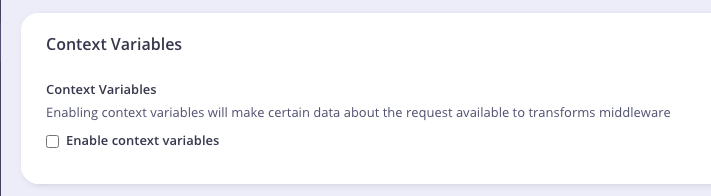
Context variables must be enabled for your API to access them in transformation middleware. See Enabling Context Variables for configuration instructions.
Available Context Variables
From Tyk Gateway 5.13.0, the current session’s rate limit and quota data are available from the following context variables:
Middleware That Can Use Context Variables
Context variables are exposed in five middleware plugins but are accessed differently depending on the caller:Request Body Transform and Response Body Transform can fully iterate through list indices within context data. For example, calling
{{ index ._tyk_context.path_parts 0 }} in the Go Template exposes the first entry in the path_parts list.URL Rewriter, Request Header Transform, and Response Header Transform cannot iterate through list indices.x-tyk-api-gateway.middleware:
- Global level (
x-tyk-api-gateway.middleware.global): applied across all endpoints in the API. - Operation level (
x-tyk-api-gateway.middleware.operations.<operationId>):transformRequestHeaders,transformResponseHeaders,transformRequestBody,transformResponseBody, orurlRewrite, applied to a specific endpoint operation.
version_data.versions.<version_name>:
- Global level (applies to all paths in the version):
global_headers/global_response_headers. - Path level:
extended_paths.transform_headers,extended_paths.transform_response_headers,extended_paths.transform,extended_paths.transform_response, orextended_paths.url_rewrites.
Example Use of Context Variables
Examples of the Syntax to Use with Available Context Variables
The following example adds context variables to request headers sent to the upstream. The upstream in this example echoes received request headers back in its response body, which is how the resulting values appear below.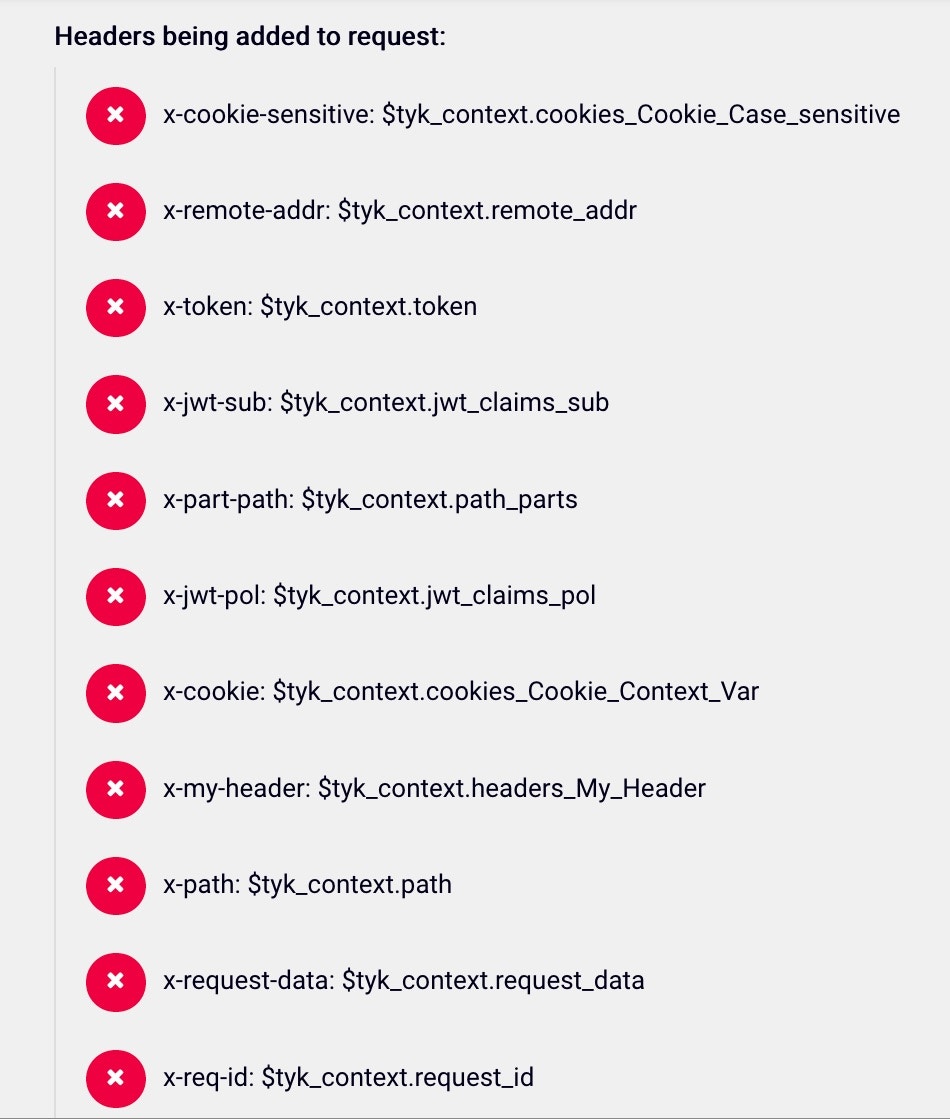
Context Variable Values in the Response
The values below are from the upstream’s echoed response, not values Tyk returns directly to the API client.Enabling Context Variables
Tyk OAS
In Tyk OAS APIs, context variables are enabled by default when creating or importing an API. This is an API-wide setting underx-tyk-api-gateway.middleware.global.contextVariables.enabled
- Dashboard
- Operator
- API Definition
- In the Tyk Dashboard, select APIs from the API Management menu.
-
Select your Tyk OAS API.
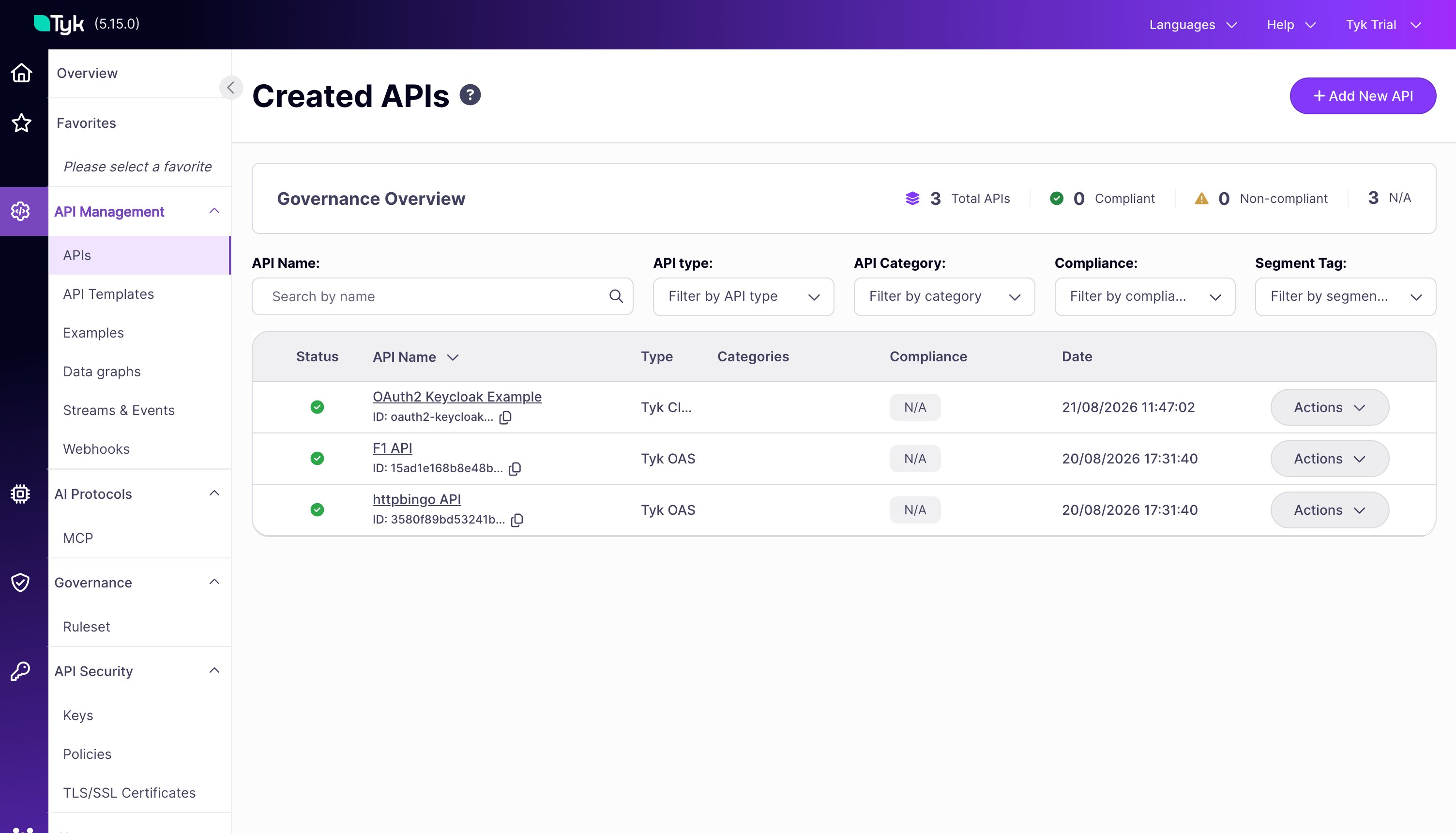
- Select the Settings tab.
-
Scroll down to the Middleware section and toggle Context variables to On.
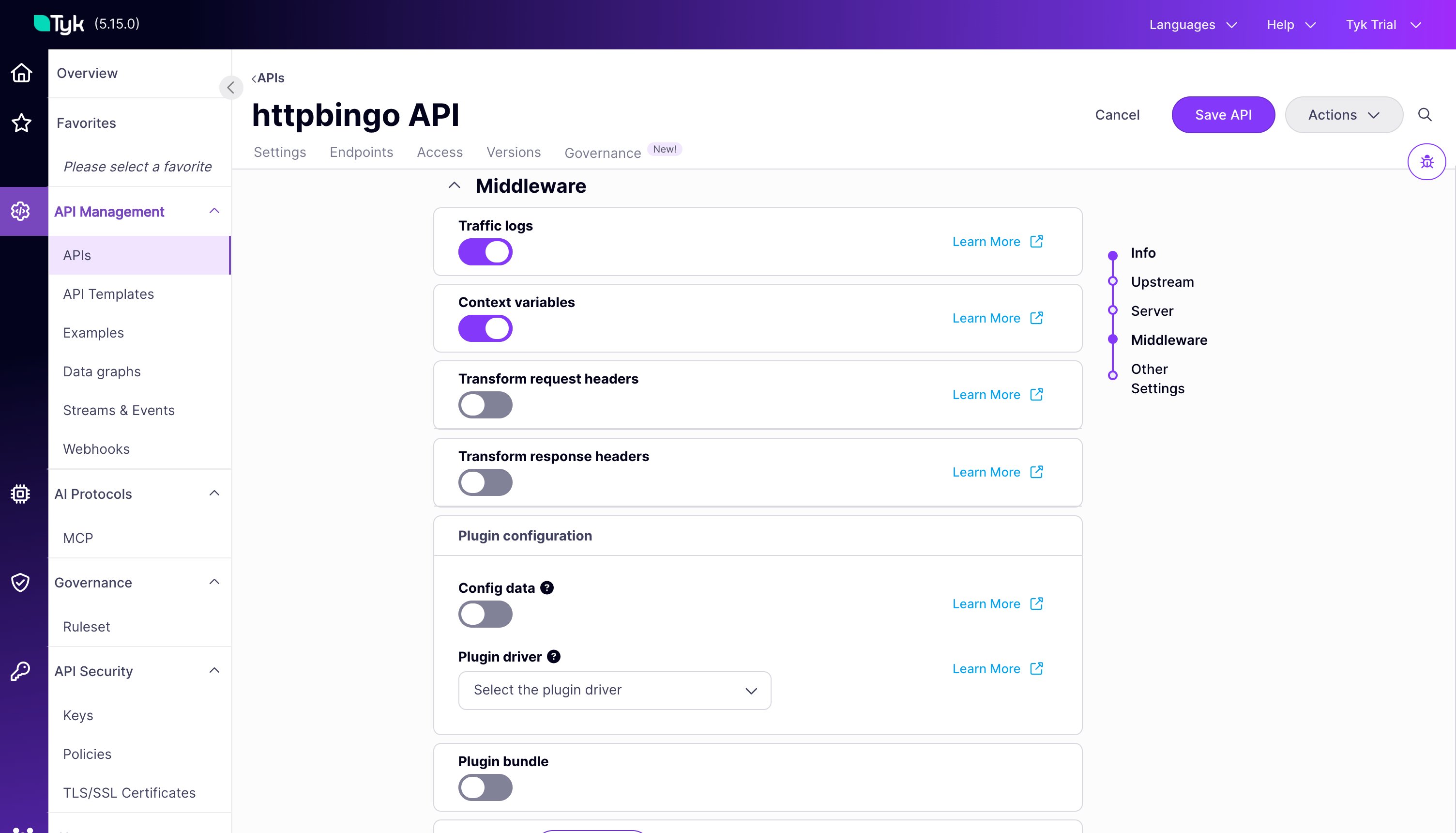
- Click Save API.
Tyk Classic
If using Tyk Classic APIs, context variables are disabled by default and must be explicitly enabled (enable_context_vars: true).
- Dashboard
- Operator
- API Definition
- In the Tyk Dashboard, select APIs from the System Management menu.
- Select your Tyk Classic API.
- Select the Advanced Options tab and select Enable context variables.
- Click Update.