What is SSO?
Single Sign-On (SSO) is an authentication process that empowers users to access various services and applications using a single set of credentials. This streamlines the login experience by eliminating the need to remember multiple usernames and passwords for different platforms. These credentials are securely stored with an Identity Provider(IdP). An Identity Provider (IdP) is a service that stores and manages digital identities. Companies can use these services to allow their employees or users to connect with the resources they need.Pre-requisites
To be able to configure Single Sign-On authentication, an SSO entitlement needs to be enabled in the subscription plan.
If you are interested in getting access, contact your account manager or reach out to our support@tyk.io
Add new SSO profile
To add a new SSO profile, login to Tyk Cloud, navigate to the Profile list and click on the ADD PROFILE button.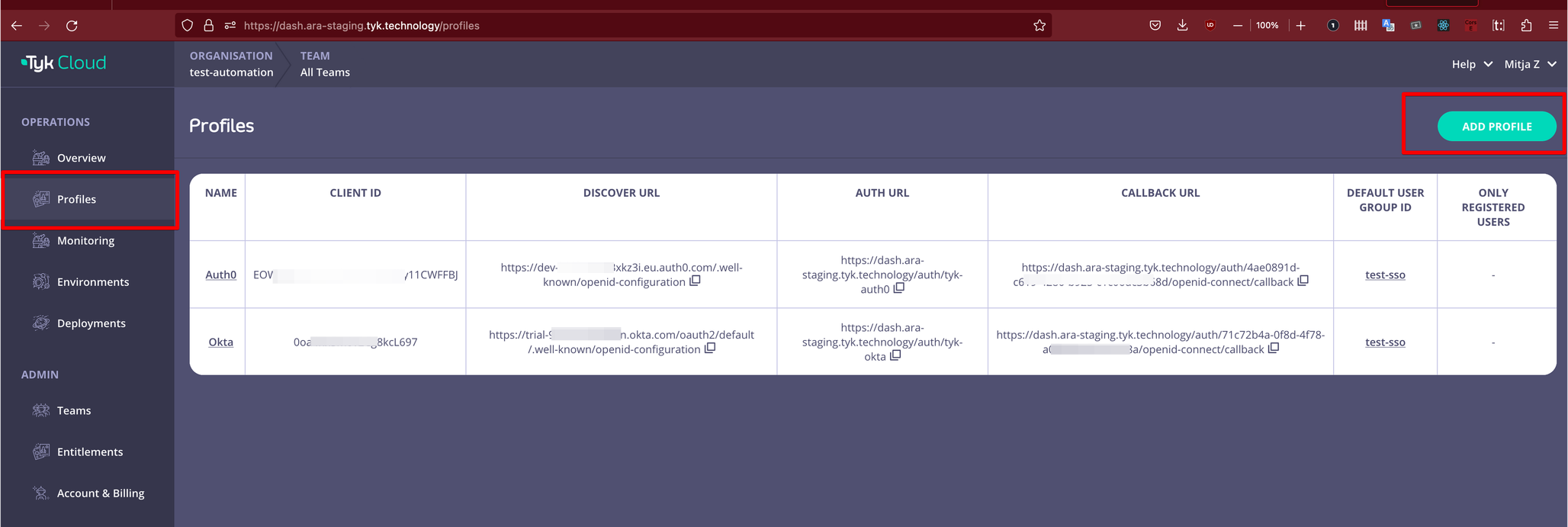
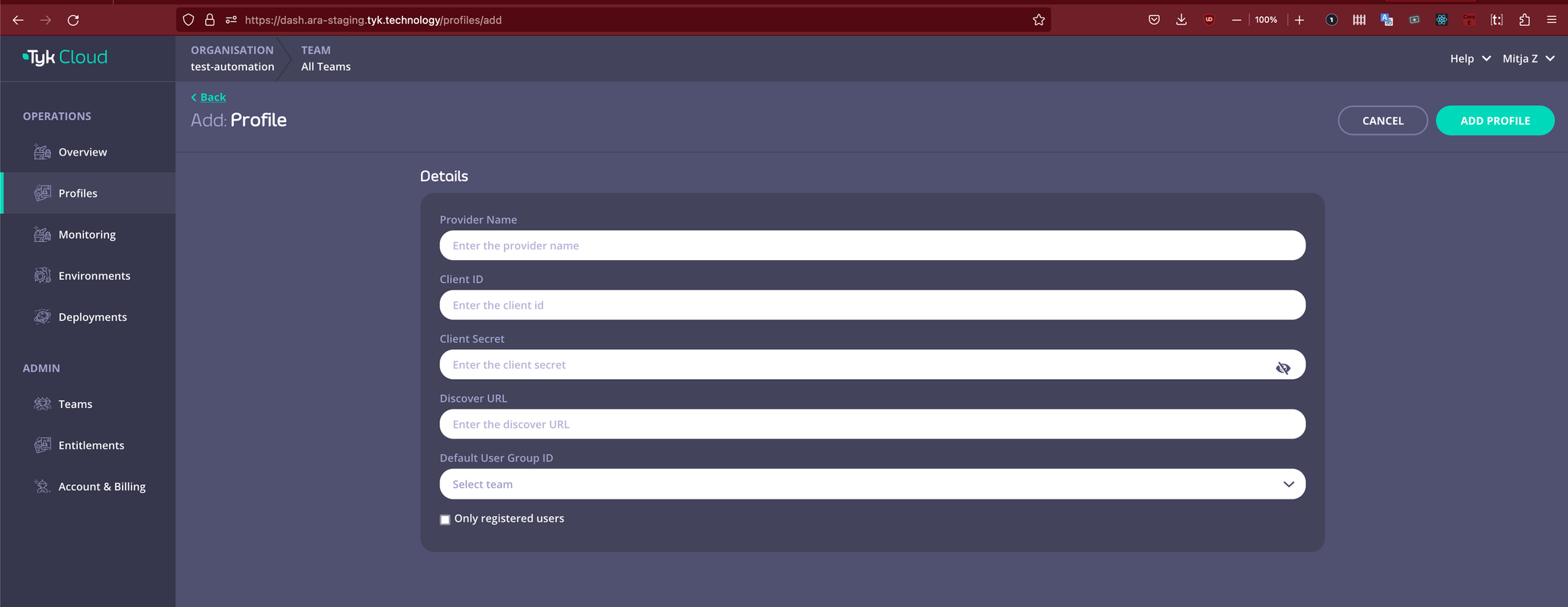
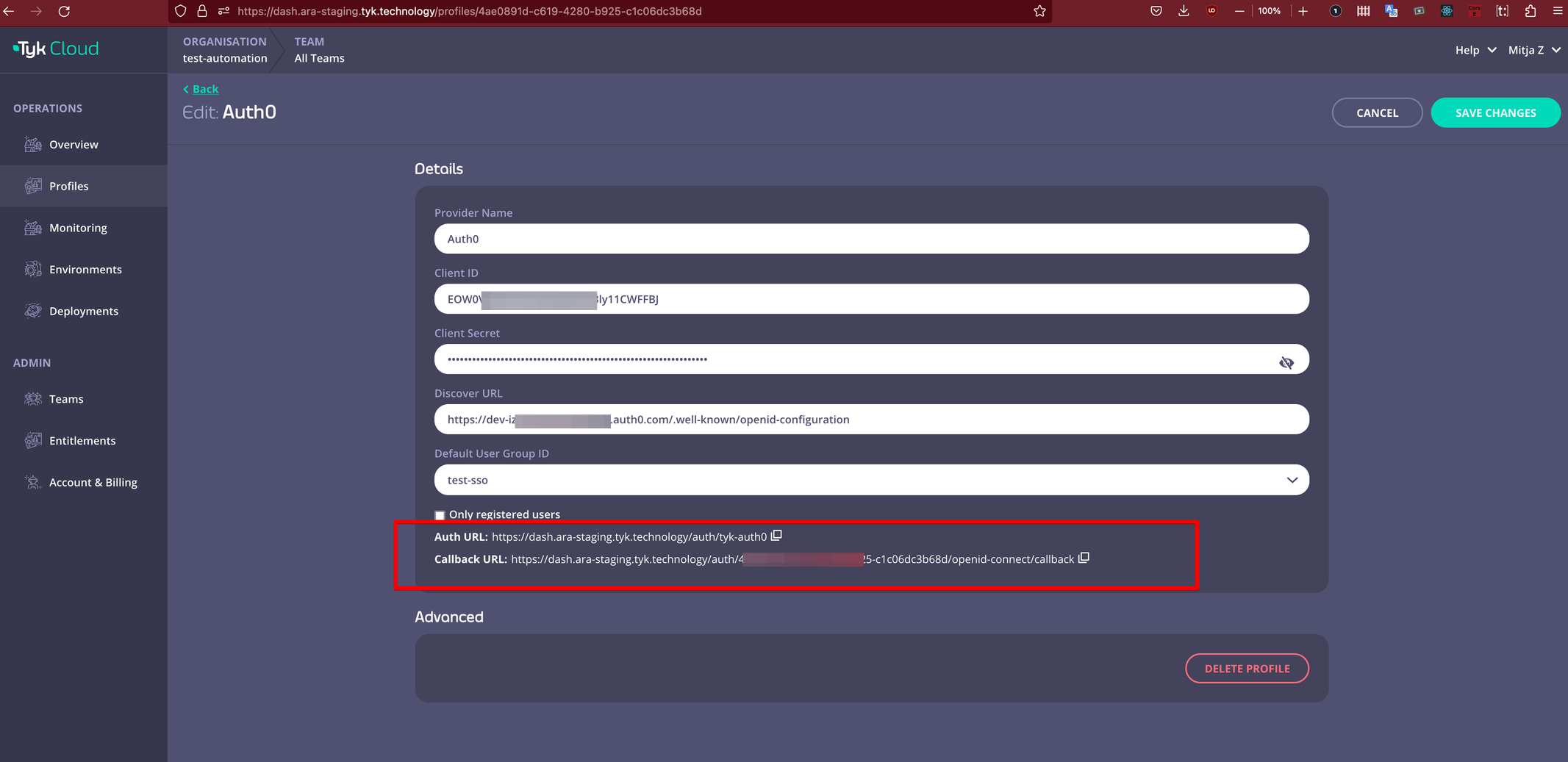
As illustrated below an authentication and callback URL will be generated, once the new profile has been added. You need to add these URLs to the configuration of your chosen IdP provider.
The Auth URL is your custom URL that can be used to start the SSO login flow whereas Callback URL is the URL that the SSO provider will callback to confirm successful authentication.
Edit SSO profile
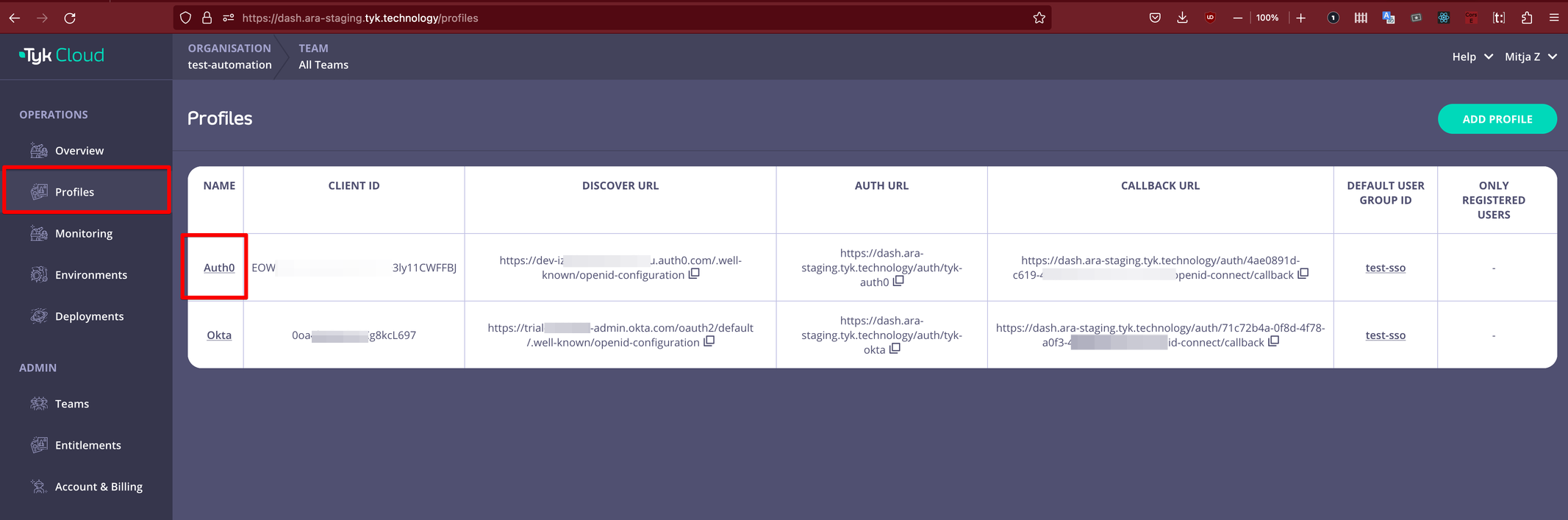
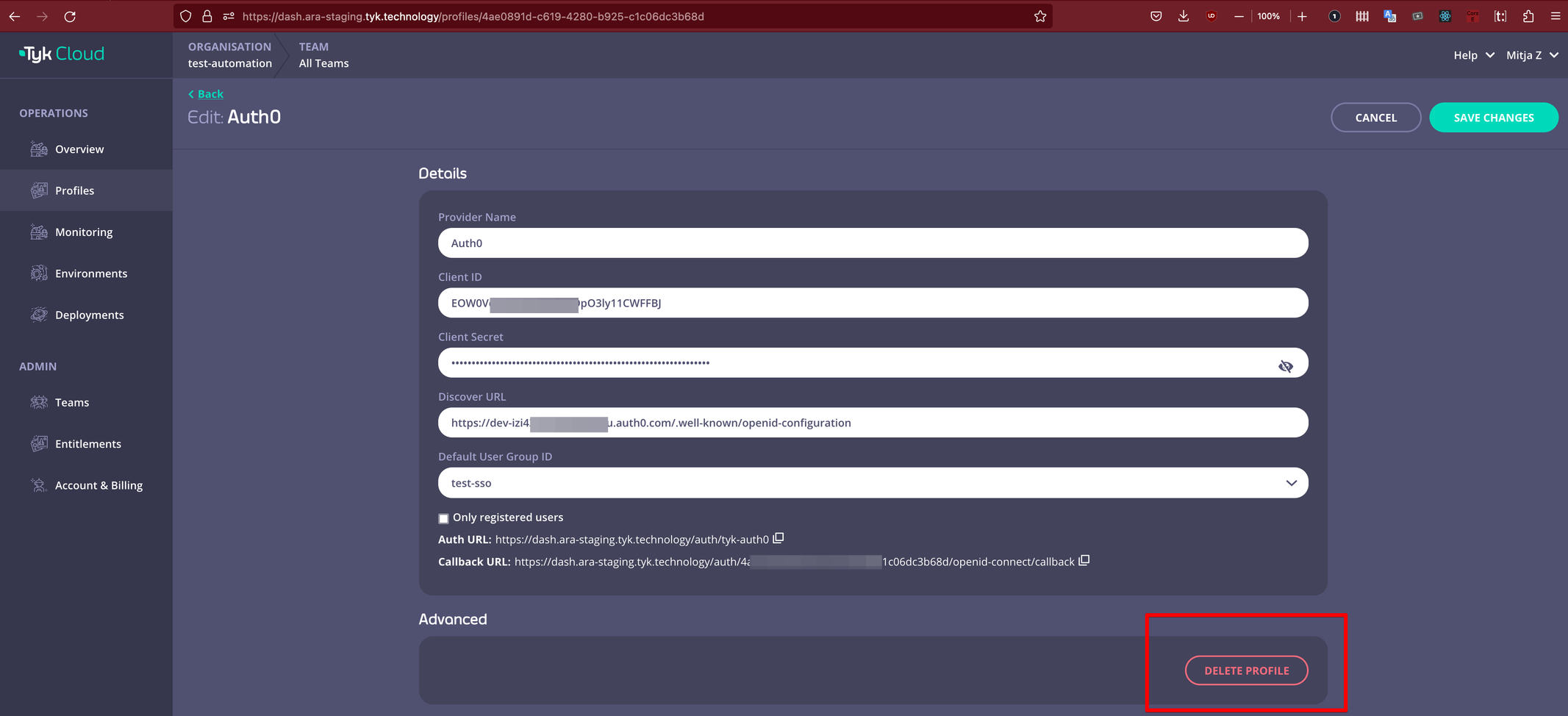
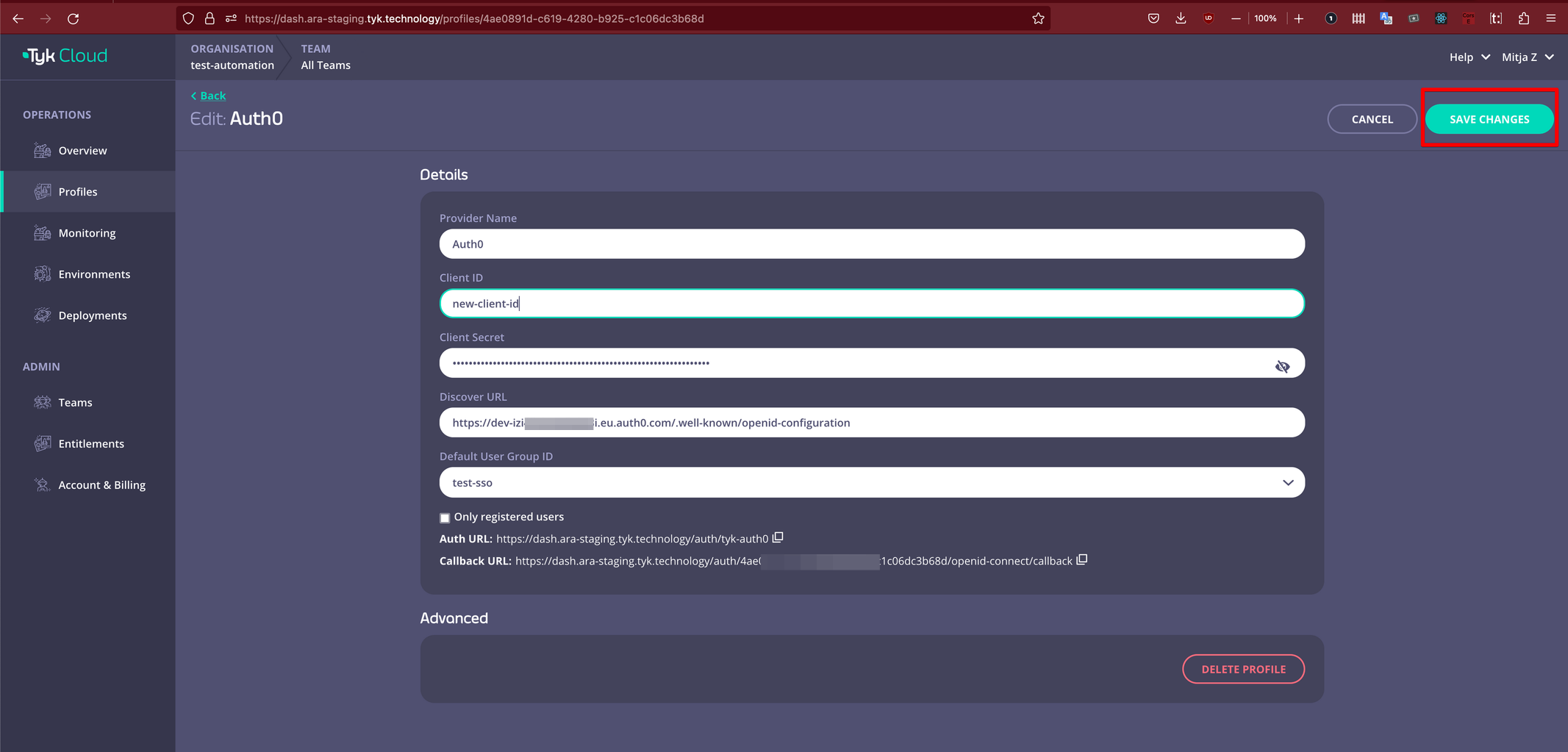
To update/re-configure SSO profile, login to Tyk Cloud, navigate to Profile list and click on the profile that you would like to update.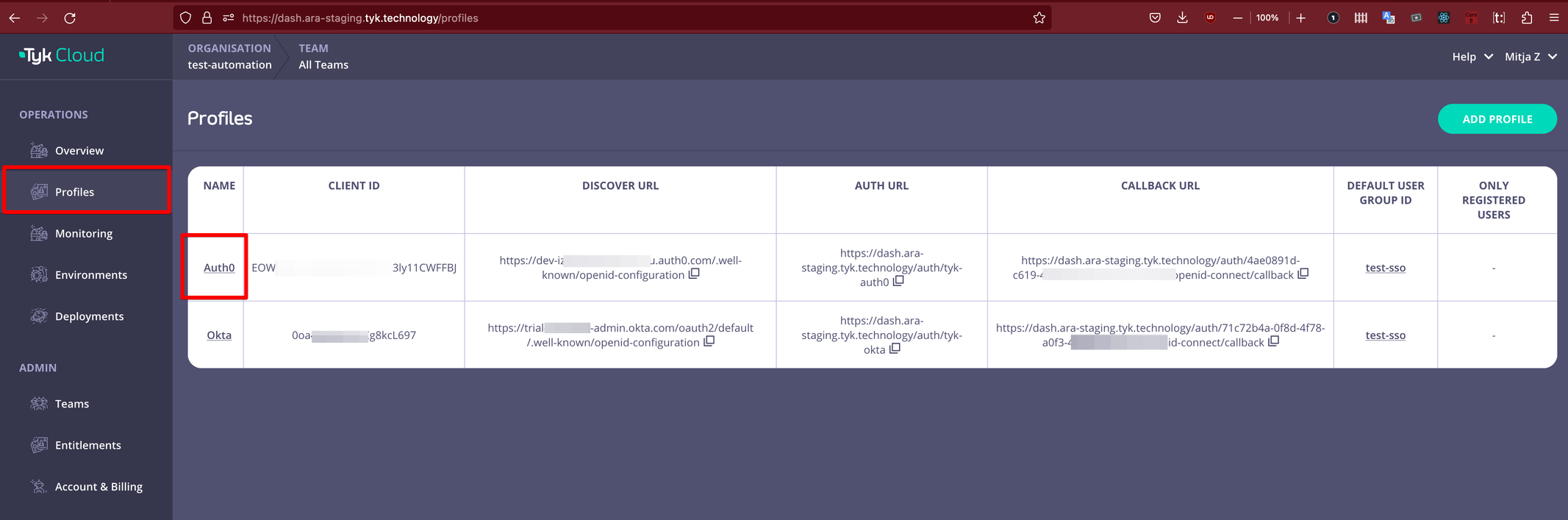
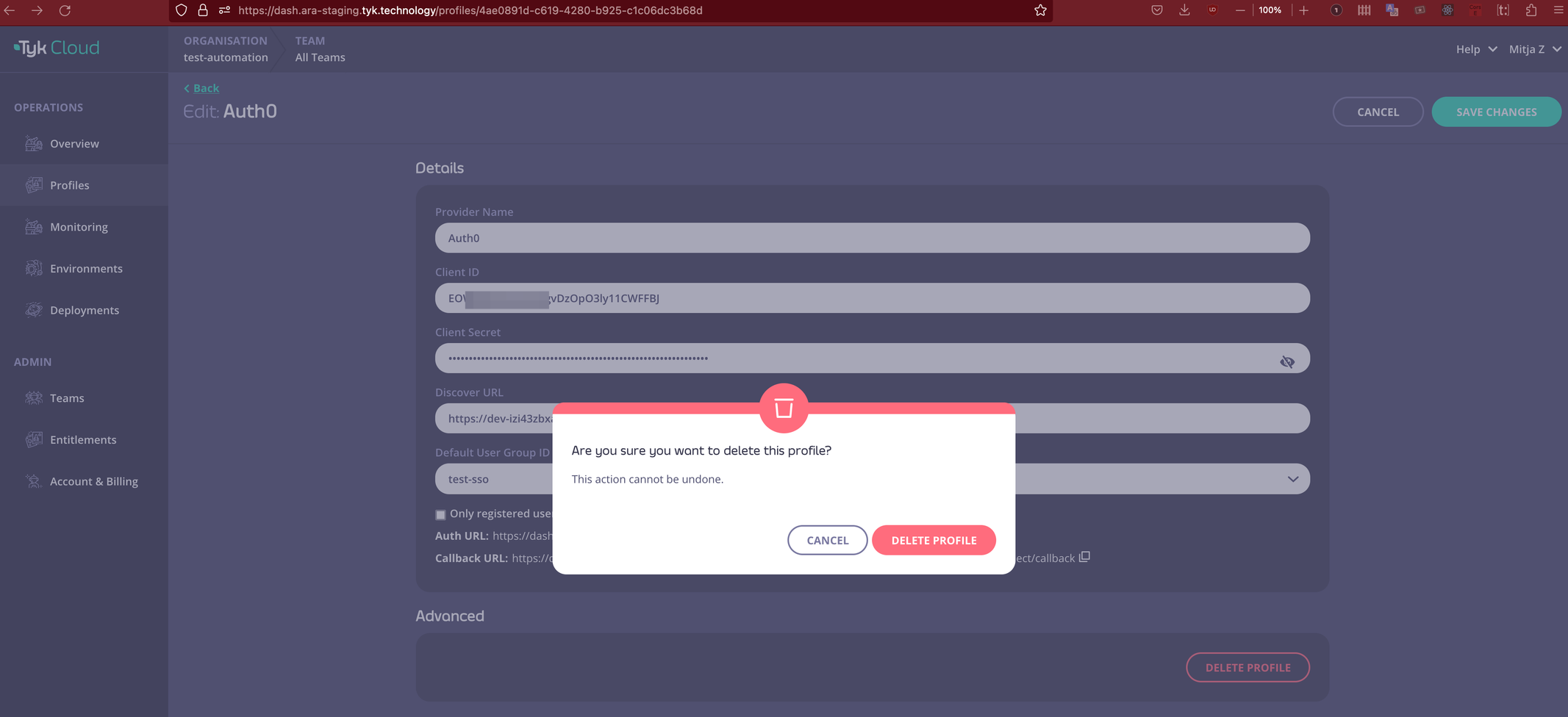
Delete SSO profile