> ## Documentation Index
> Fetch the complete documentation index at: https://tyk.io/docs/llms.txt
> Use this file to discover all available pages before exploring further.
# Register a User using Invite Codes
> How to configure basic authentication in Tyk?
## Invite Codes
Here you’ll learn about how to create invite codes to add a new external user to the developer portal. Invite codes can be used to simplify user onboarding. Using invite codes, users will be directly assigned to a team and organization, giving them the same access rights as this team. For example you can use invite codes to:
* Run a promotional campaign like a Hackathon and give access to specific plans to the users.
* Onboard a partner company into the portal by giving them this code for anyone registering.
## Prerequisites
* A Tyk Enterprise portal installation
* A portal admin app login
## Instructions
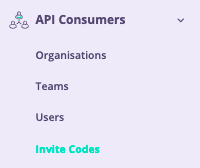
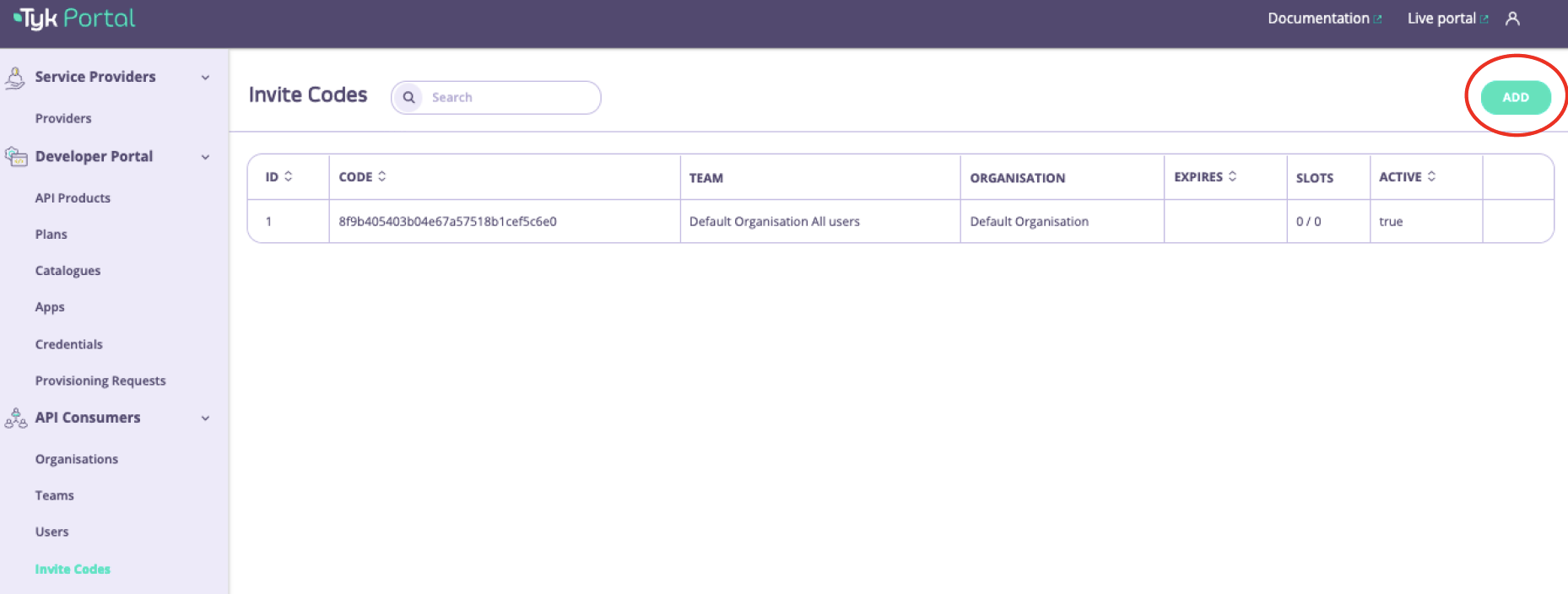
1. From the **API Consumers > Invite Codes** menu, click **Add**.
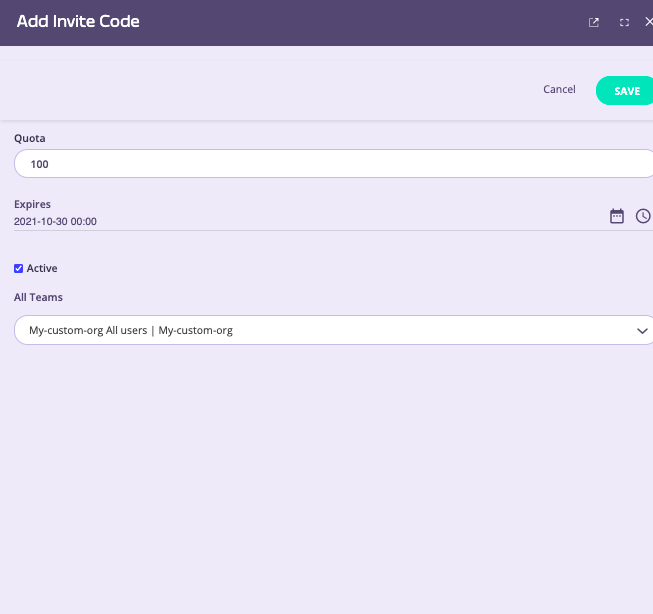
 2. Add the form details:
* Set your desired **Quota**. Quota is the max number of slots available for your invite code. E.g. if set 100, this code can be used by the top 100 users.
* Set an expiry date, this is the date on which the code will expire and no more users can sign up to it.
* Set state to **Active** - this means the code is activated and developers can start using it.
* Specify the team that any new users that register with this invite code will be added to.
2. Add the form details:
* Set your desired **Quota**. Quota is the max number of slots available for your invite code. E.g. if set 100, this code can be used by the top 100 users.
* Set an expiry date, this is the date on which the code will expire and no more users can sign up to it.
* Set state to **Active** - this means the code is activated and developers can start using it.
* Specify the team that any new users that register with this invite code will be added to.
 3. **Save** the invite code.
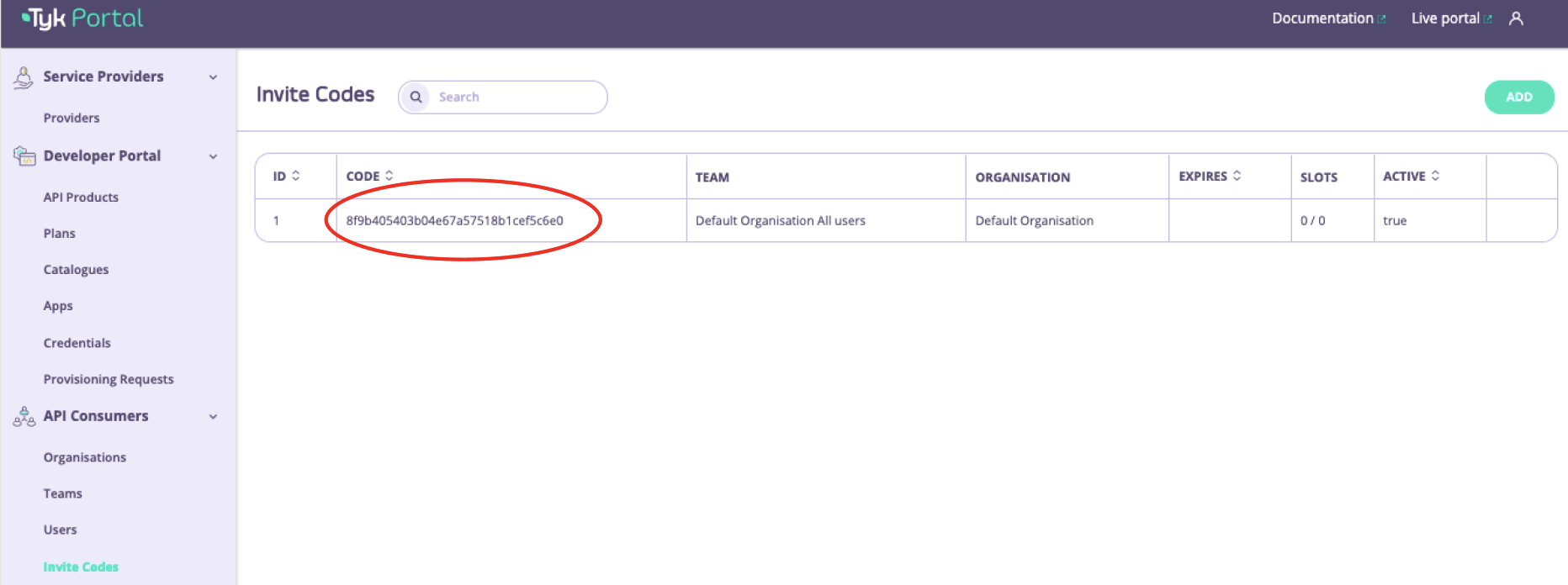
4. Share the invite codes. When the saving changes a new Invite code was created and can be viewed in the overview table. To share the invite code, copy it and send to your developer teams/users.
3. **Save** the invite code.
4. Share the invite codes. When the saving changes a new Invite code was created and can be viewed in the overview table. To share the invite code, copy it and send to your developer teams/users.